Support Forum

Blog Linking Issue w/Gutenberg?

SU Susie
Susie
Member

So, I purchased the Blog Linking plugin as it is EXACTLY what I need for a site I’m working on, with the intention of 100% buying the bigger package if this works out well as it would make the forums amazing with the other abilities! I really love everything so far about your work!

That said, I have an issue, and the only thing I can think is that it’s related to Gutenberg?

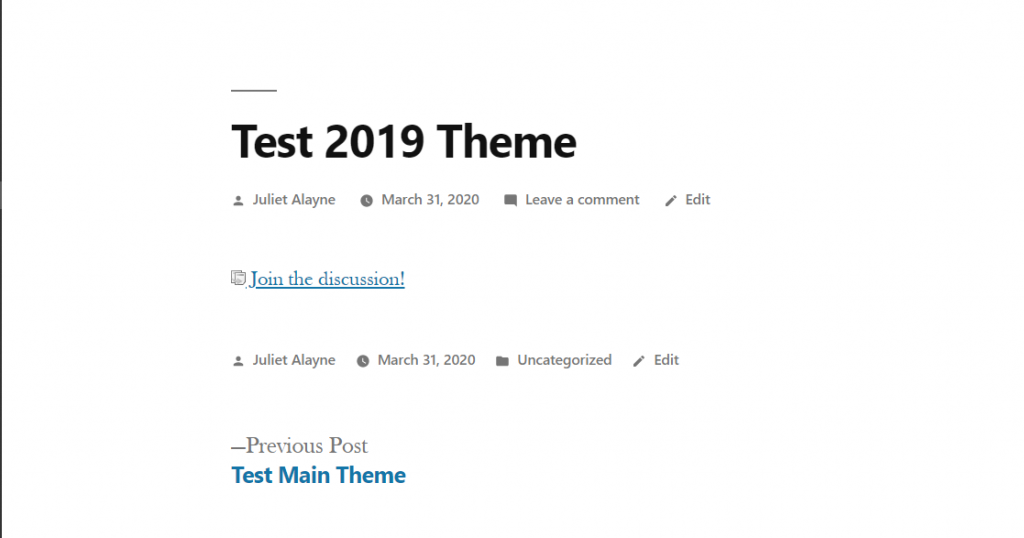
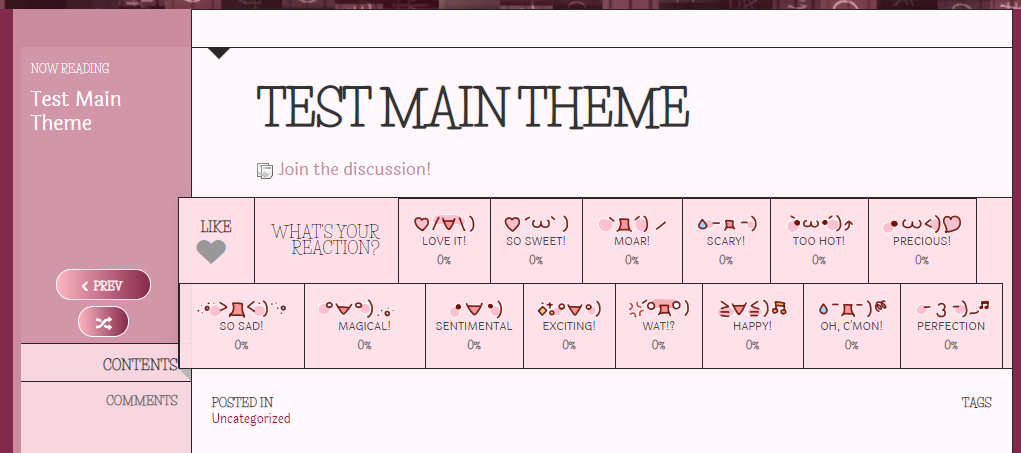
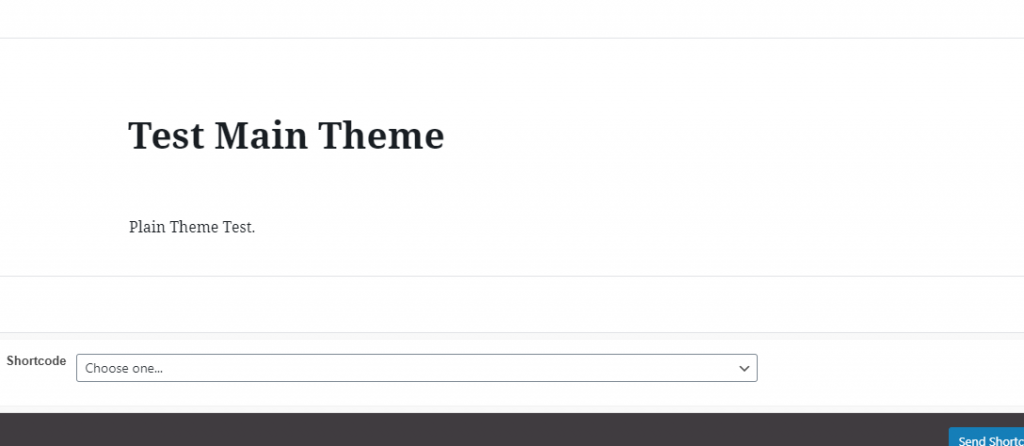
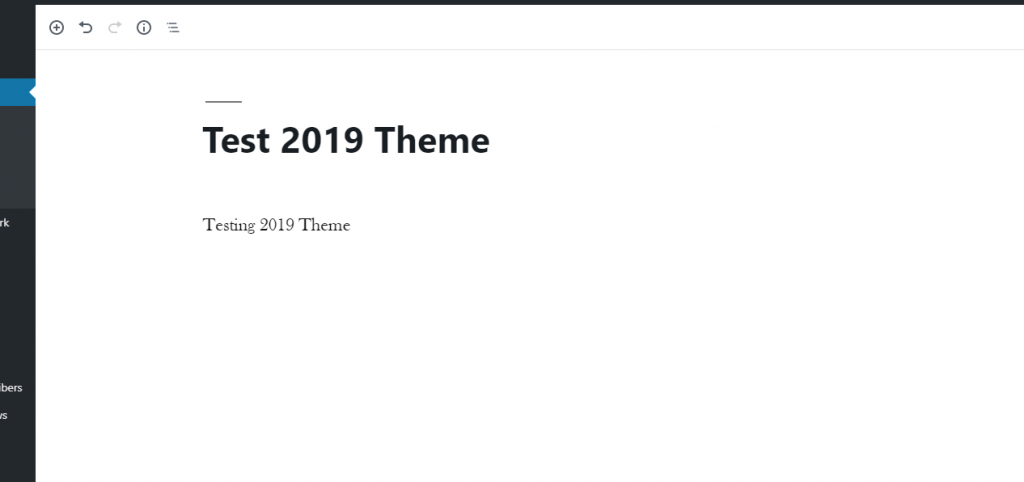
When I create a new post I can enter the title, the body, then the excerpt, and confirm that the settings are set up to create the forum and do the updates, and when I save it then view the post the proper info shows up except the BODY/CONTENT of the post is missing 100%. 

I attempted it on both my custom theme as well as the 2019 theme with the same outcome. If I inspect the page, the loop is just not there at all–completely missing.

I’ve taken pictures of the way it’s working on both themes. The link is being created and inserted properly, and the topic is being created properly in the forum, however, obviously, I have to have the content showing haha 

Also, I apologize for not putting this in the plugin forum, but there was no new topic button available to me there.

I look forward to getting this sorted! Thank you kindly!
 

Test-2019-Theme-Edit-Screen.pngTest-2019-Theme-Published.pngTest-Main-Screen-Published.pngTest-Main-Theme-Edit-Screen.png

22 Answers

New Answer

SU Susie
Susie
Member

I installed the Classic Editor plugin and it seems to still be happening just the same way with that…

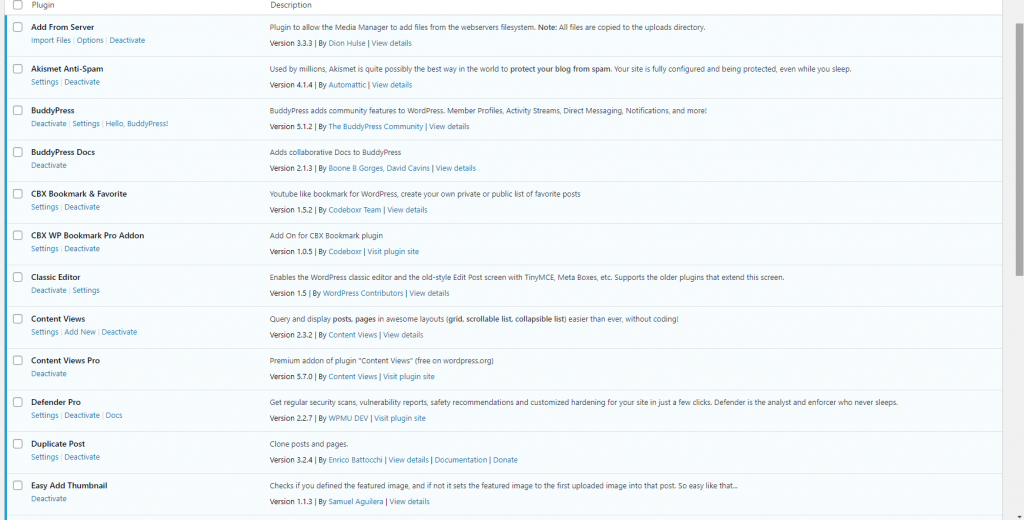
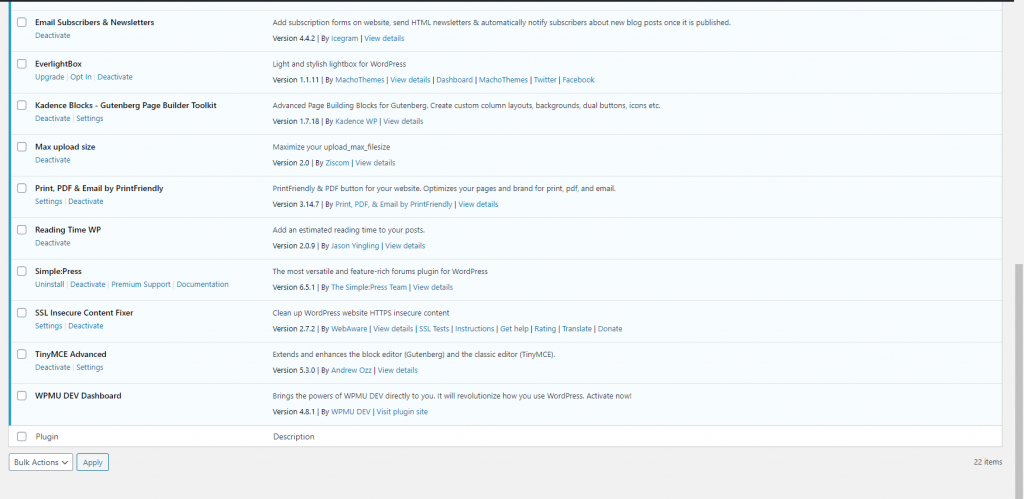
I am attaching screenshots of my active plugins to see if anything there stands out as maybe something that could be interfering?

Just realized that those are still really small and likely hard to read so I’m adding the list here for you:

Add from Server
Akismet Anti-Spam
BuddyPress
BuddyPress Docs
CBX Bookmarks & Favorite
CBX WP Bookmark Pro Addon
Classic Editor
Content Views
Content Views Pro
Defender Pro
Duplicate Post
Easy Add Thumbnail
Email Subscribers & Newsletters
Everlightbox
Kadence Blocks – Gutenberg Page Builder Toolkit
Max upload size
Print, PDF, & Email by Printfriendly
Reading Time WP
Simple:Press
SSL Insecure Content Fixer
Tiny MCE Advanced
WPMU DEV Dashboard

Screenshot-996.pngScreenshot-997.png

SS SP Community Support
SP Community Support
Admin

Hi:

Sorry you’re encountering this issue.  I see you’ve tried changing your theme which is a great first step.  But have you tried disabling your plugins to see if maybe one of them is conflicting?  If content is disappearing its likely that something else is attempting to replace content as well after you make a post.

Thanks.

SU Susie
Susie
Member

I just deactivated all of the plugins apart from this one and tested it on both my custom theme as well as 2019 and the issue is still there just the same as before…


Edit: Except for WPMU DEV Dashboard which is one I am unable to deactivate because I am on their hosting and there is no deactivate button on there.

Sorry to be a bother!

SS SP Community Support
SP Community Support
Admin

Are you able to duplicate the site to a non-WPMUV DEV site?  Do you know if they’re hosting you on a dedicated WordPress installation or a site on a multisite install?  (WPMUDEV got their original reputation primarily for making MULTISITE plugins which is why I’m wondering how they’ve set up their hosting for you).

You should be able to disable the WPMUDEV dashboard temporarily by using FTP – just go to the plugins folder, find the dashboard folder (or file) and rename it.  You can rename it back after you’re done the troubleshooting.

SU Susie
Susie
Member

When I installed wordpress the option was there to do a multipress site, but I did not opt for it, so I’m fairly certain it is a single installation. I’ll go disable the plugin now and report back right away! Thank you!

SU Susie
Susie
Member

Sadly, after deactivating that plugin the issue is still present. I am not positive about whether I could copy the installation, given the fact that the plugin was purchased and the license was activated on my current site? I would be able to duplicate everything else but I don’t think I could use the plugin without activating the license on it. WPMU hosting is unique, of course, it’s designed for WordPress sites, but they have their own hosting platform with their own control panel that is not c-panel. That said, I can’t think of any reason why it should be an issue with any plugin, as I have used quite a lot of plugins to date without issue including ones which effect comments and such. 

I’m at a loss as to what I can possibly do here…

SS SP Community Support
SP Community Support
Admin

Hi:

Thanks for troubleshooting so quickly.  I am at a loss as to what the issue could possibly be. 

Just to confirm – you’re running SP 6.5.1, right?

Also, can you check your WordPress error logs to see if any errors are being thrown there when you make a blog post? Maybe something’s in there that could point us to the issue.

Thanks.

SU Susie
Susie
Member

I just checked my error logs and they’re full of errors:

Once at top:

[31-Mar-2020 17:28:55 UTC] PHP Warning: A non-numeric value encountered in /var/web/site/public_html/wp-content/themes/engine/functions/ajax.php on line 27

MANY times:

[31-Mar-2020 07:45:39 UTC] PHP User Warning – Linking – Validation: No topic post has been entered and post cannot be saved – file: /forum-plugins/blog-linking/library/sp-linking-blog.php – line: 152 – function: trigger_error


errors.PNG
SU Susie
Susie
Member

So sorry, yes, I am running 6.5.1 =) Thank you for your help so far!

SS SP Community Support
SP Community Support
Admin

It certainly looks like something has been wiping out the post data before it gets to our plugin but I can’t fathom what that could be.  Looks like we’re going to have to dig a lot deeper.

Do you have the ability to do a new site on WPMUDEV?  If so, maybe create a new test blank WP site. Install SP and the BLOG LINKING plugin alone and see if it works?  If it doesn’t work there that would point to something weird going on with WPMUDEV hosting.  If it does work there then it would mean there’s something weird going on with the existing site.

Thanks.

SU Susie
Susie
Member

I’m not 100% sure to be honest, would it work if I installed it on a subdomain? I think I can do that?

SS SP Community Support
SP Community Support
Admin

Yes, that would work.  Any domain or subdomain will be fine for this test.

SU Susie
Susie
Member

Okay! I’ll try that and let you know what happens! Thank you!

SU Susie
Susie
Member

Well, as it turns out they do not allow subdomains or addtional installations on their server…soooo….that won’t work, but I have to be honest, that’s sort of a weird dealbreaker for me so I might just have to move it to another server and then maybe it will even be better there. I will let you know on that!