This is what a post looks like from start to finish – I clicked on the first smiley. Also included are the SP pathways
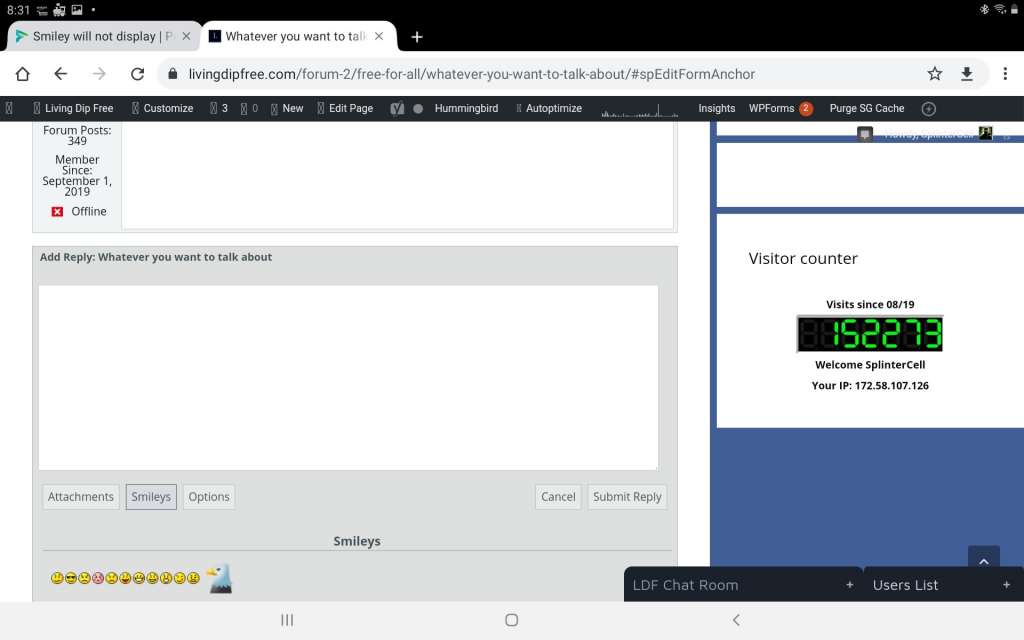
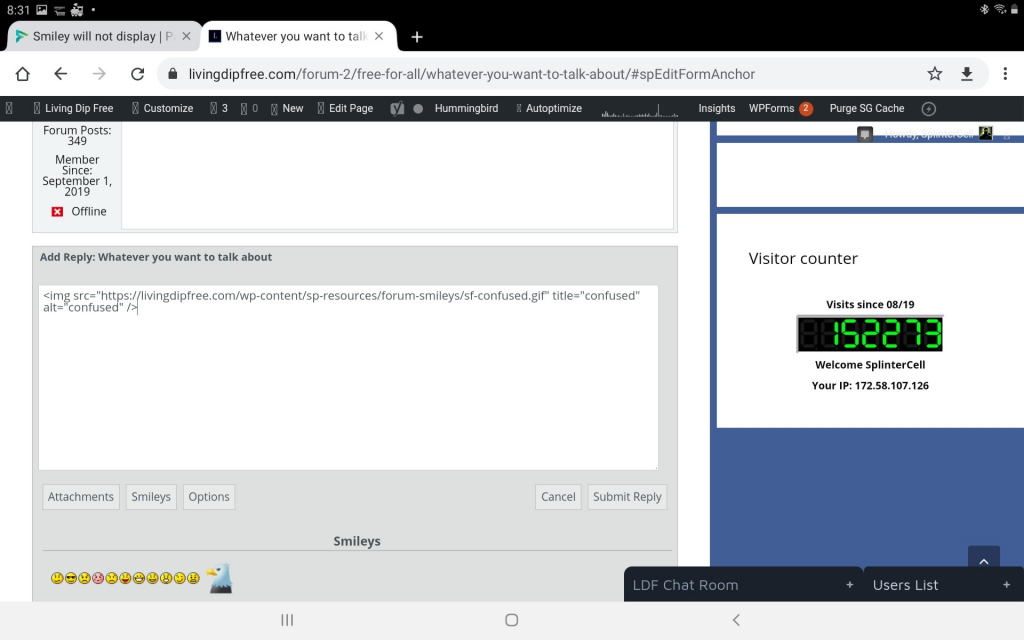
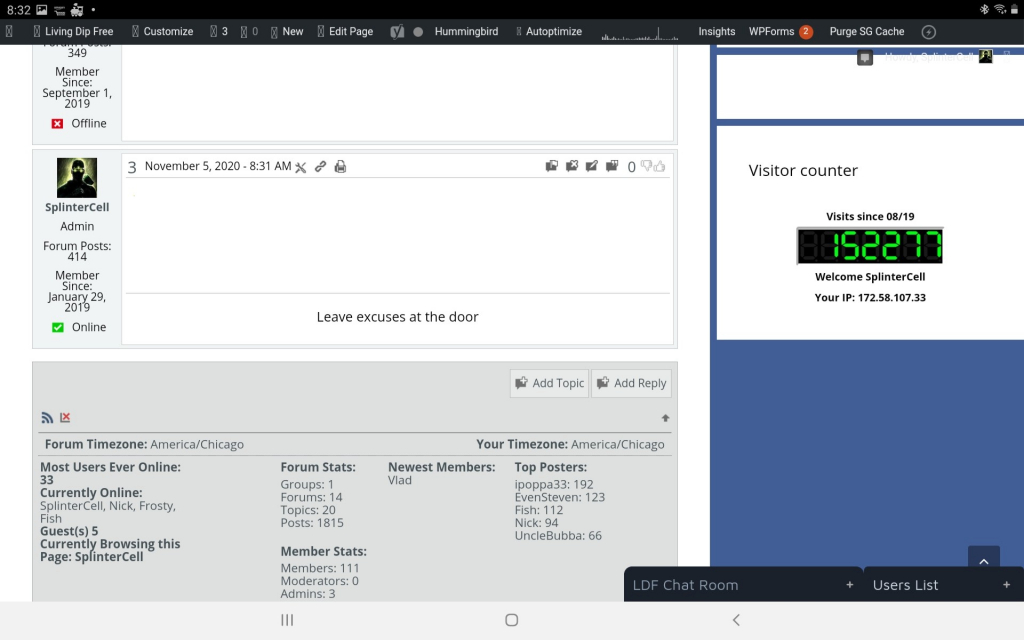
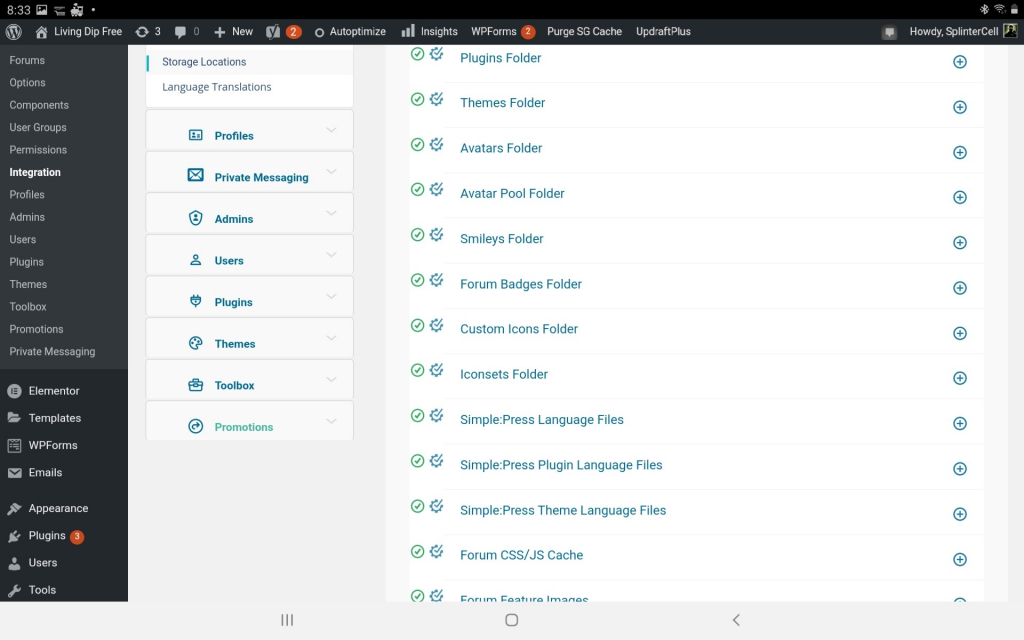
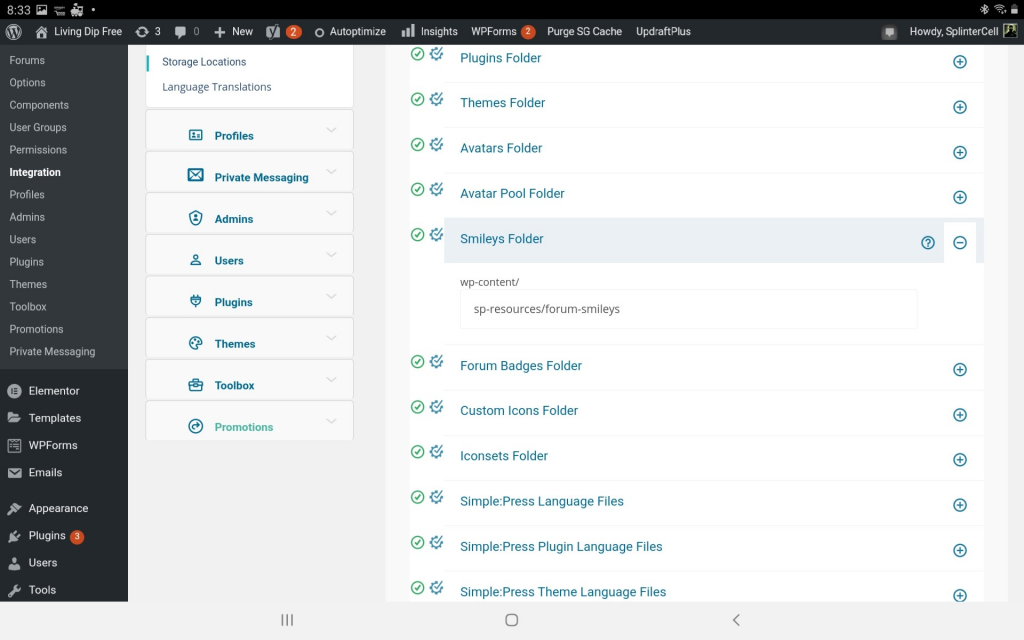


This is what a post looks like from start to finish – I clicked on the first smiley. Also included are the SP pathways


Hi:
Thanks. Unfortunately that doesn’t help. Can you post a public link to a forum entry where the smiley isn’t showing up? We need to see an actual live post to examine it in real-time.
Gotcha
Here is a public forum I just created
https://livingdipfree.com/forum-2/test-forum/
Something might be setting those images to 1 px high x 1 px wide – basically making it invisible. It looks like you might be using some sort of autoautomizer – maybe that’s what’s doing it? Or maybe some css in the theme or another plugin is resizing images?
The smiley image is loading in the post – you just can’t see it because it’s been shrunk down to invisible proportions.
I hope this helps.
How in the world did you see that smiley? I blew up my screen x 10 and there was a speck there. You are correct. The offending plugin is “smush” – once deactivated everything was set back to normal. Many, Many thanks!!
That’s why I wanted to see a live post. Inspecting the HTML on the page indicated the image was there. Examining the CSS showed that the image was 1px X 1px in size. Tracing the source of the CSS lead to some sort of “optimizer” CSS file.
Once I saw that I just changed the size of the image file in the browser CSS to something larger to see if the image showed up – which it did , proving that the image was present in the post.
Thanks.
Thats awesome – many thanks for your work. And here I was getting ready to blame SP for some sort of glitch.