Support Forum

Conflict between SP and Yoast SEO

DR Dave Rodenbaugh
Dave Rodenbaugh
Member

Hi guys,

I’m installing SP on a new site and found a bad conflict.  TwentyFifteen theme used to test here.

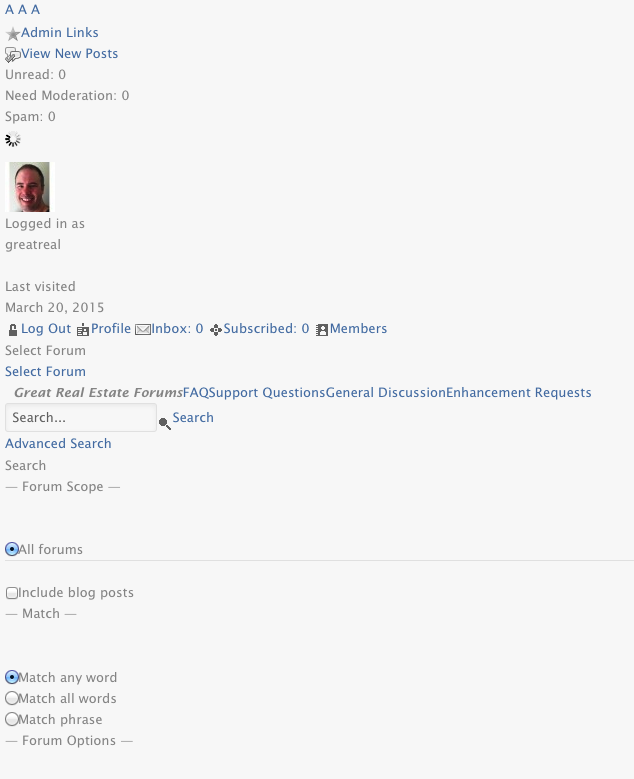
Installed SP (latest version) and it works fine.  When I activate Yoast SEO 1.7.4, the page output turns to garbage for the forum page.

Deactivate Yoast, it’s fine.

I tried this using both the Default and Reboot–the garbage is slightly different, but the result is basically the same.

Is this a known issue?  How do I fix this?


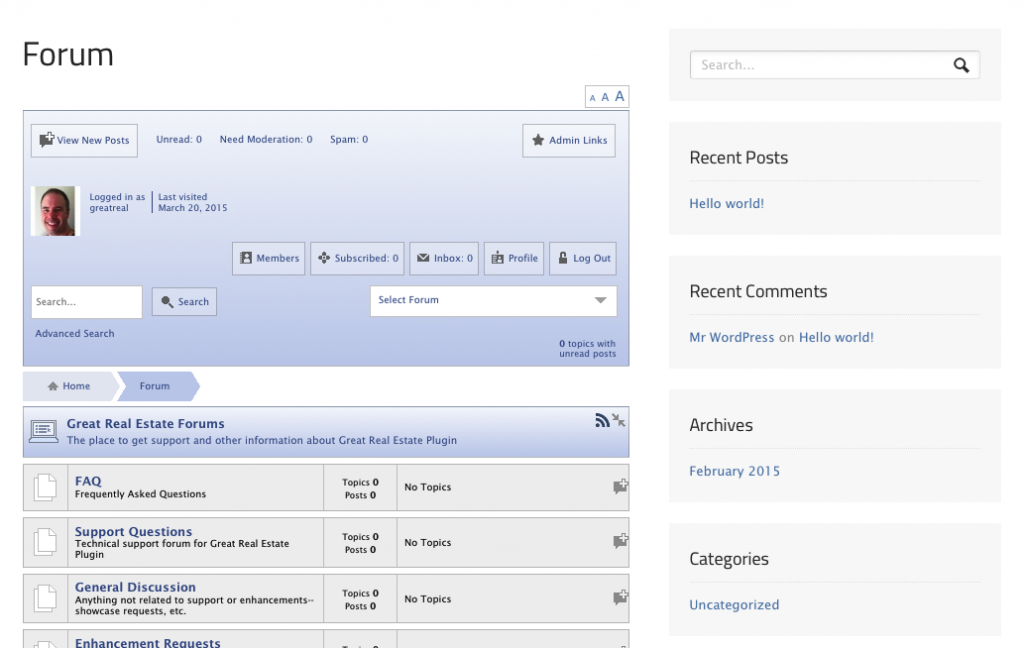
Forum without (first) and with Yoast (second) running images attached.good.pngbad.png
5 Answers

New Answer

IK Ike
Ike
Member

Hey Dave,

Not sure if you have used Yoast alongside SP on other installs, but just to cover I think the only recommendation for running Yoast with SP is to make sure that the Yoast option to rewrite ugly permalinks is turned off.

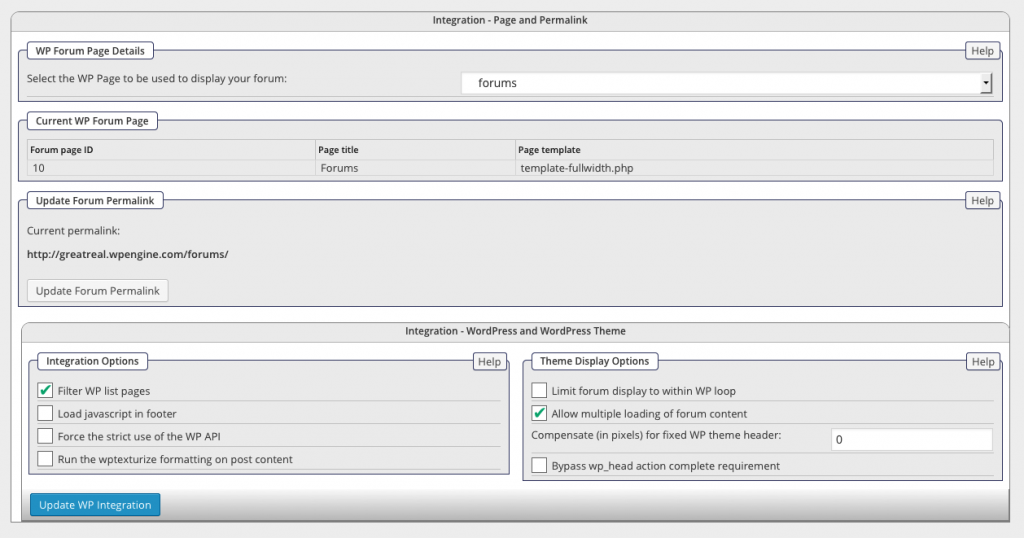
Are the only activated WP plugins there SP and Yoast? Also – What are your settings in Forum > Integration > Page and Permalink?

DR Dave Rodenbaugh
Dave Rodenbaugh
Member

Hi Ike,

My Yoast config is literally out-of-the-box, I haven’t done anything to it yet aside from turn on the plugin!  I definitely did not set that advanced (and not recommended) setting at this point. 

I have tested with various plugins, but I can see the behavior with ONLY:

– SP

– Yoast

Enabled.

Forum settings shown below, as requested:

settings.png
MP Mr Papa
Mr Papa
Member

yoast and simple press are in use together on many, many site including multiple of my own… just have to get the settings right…

though must admit never seen Yoast cause the output like that.. which is more like the css not being loaded…

first, you probably want on the options you shown, display mutliple false and display in loop true…

no other security plugins like sucuri other firewall?

DR Dave Rodenbaugh
Dave Rodenbaugh
Member

No other security plugins.  Running on WPEngine, so their firewall is enabled, but I have 2 others sites on the same plan that work fine, so that seems unlikely.

I changed the settings as you suggested and it is now working.  Thanks!