Support Forum

Group Avatars

KE Kenn
Kenn
Member

After the theme update I mentioned int he other post and the update of SimplePress to your latest version I am having a couple of issues with Avatars.

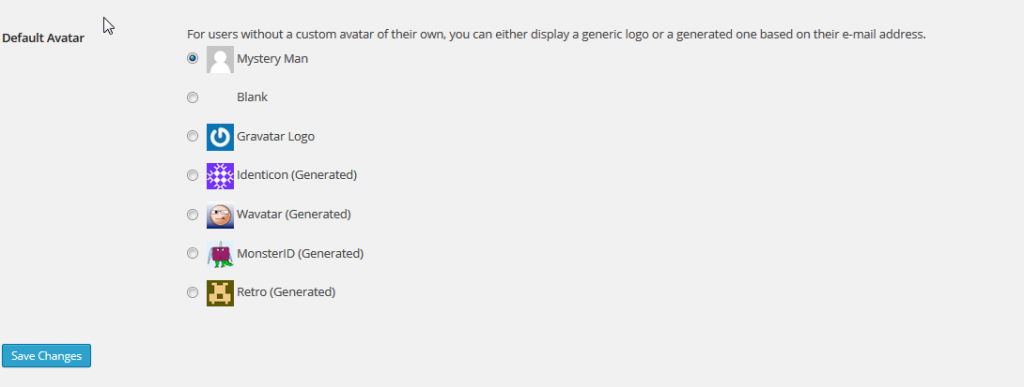
I think I have set up the Avatar settings correctly however previously (set up by someone else) we had a default avatar for a member and a default avatar for a guest. Was this handled within Simple Press and I just can’t find the setting or could this have been another plugin at work?

I did look in the Codex but couldn’t see anything.

Thanks in advance.
5 Answers

New Answer

KE Kenn
Kenn
Member

Found a similar topic, how do I do the ‘swap’ part at the top of post 2

https://simple-press.com/support-forum/sp5-general-topics/forum-default-avatars-where-should-they-be-displayed-for-users/#p133716

KE Kenn
Kenn
Member

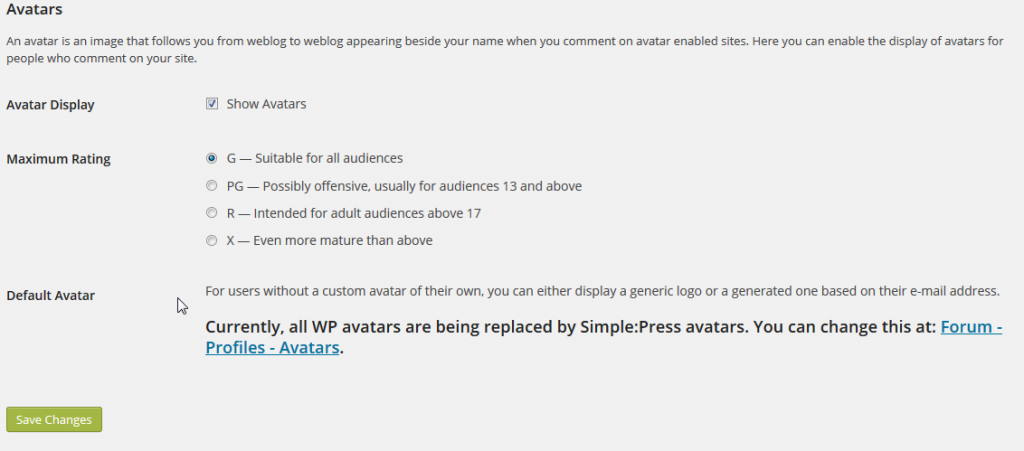
I’m sure before the latest updates under discussion settings in WordPress it used to say your Avatars are handled by … or there used to be a Simple Press option?

Avatars.png
KE Kenn
Kenn
Member

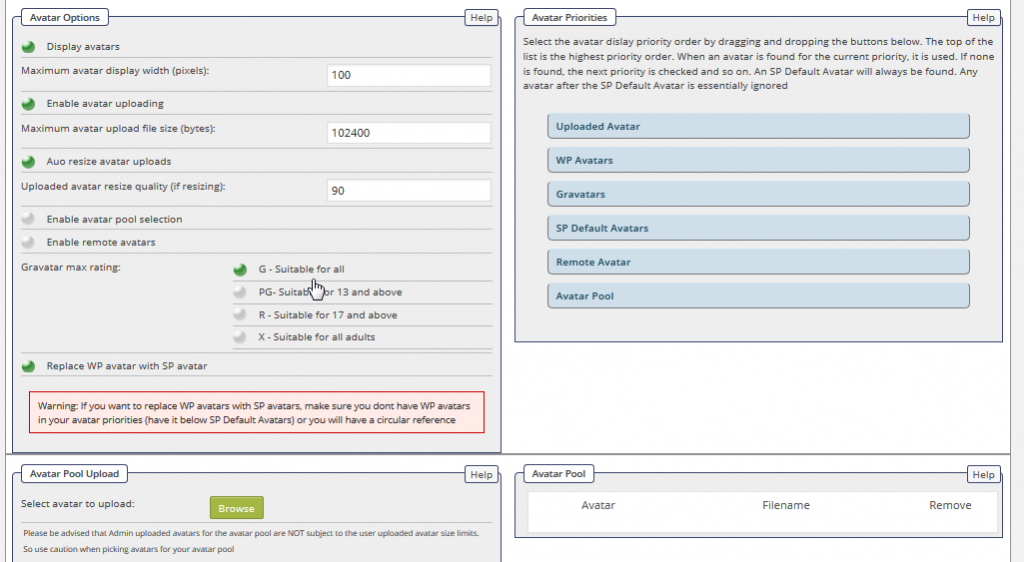
I managed to get the SimplePress notice to appear again under settings

avatar2.png

 These are my Avatar settings

avatar-settings.png
KE Kenn
Kenn
Member

Fixed, missed the obvious warning  on the left about keep wp avatar below sp avatar to avoid circular reference.