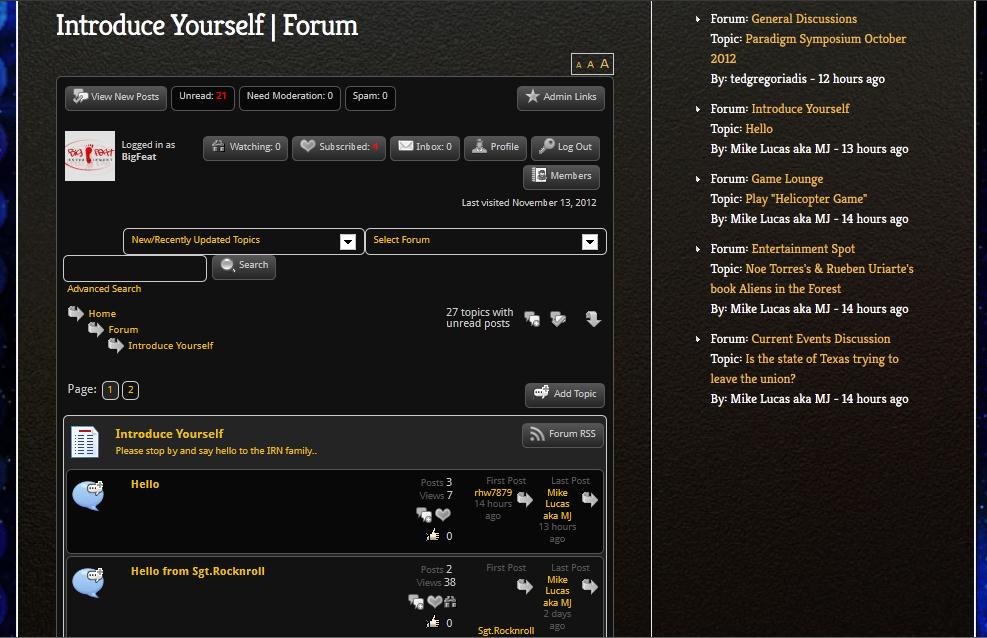
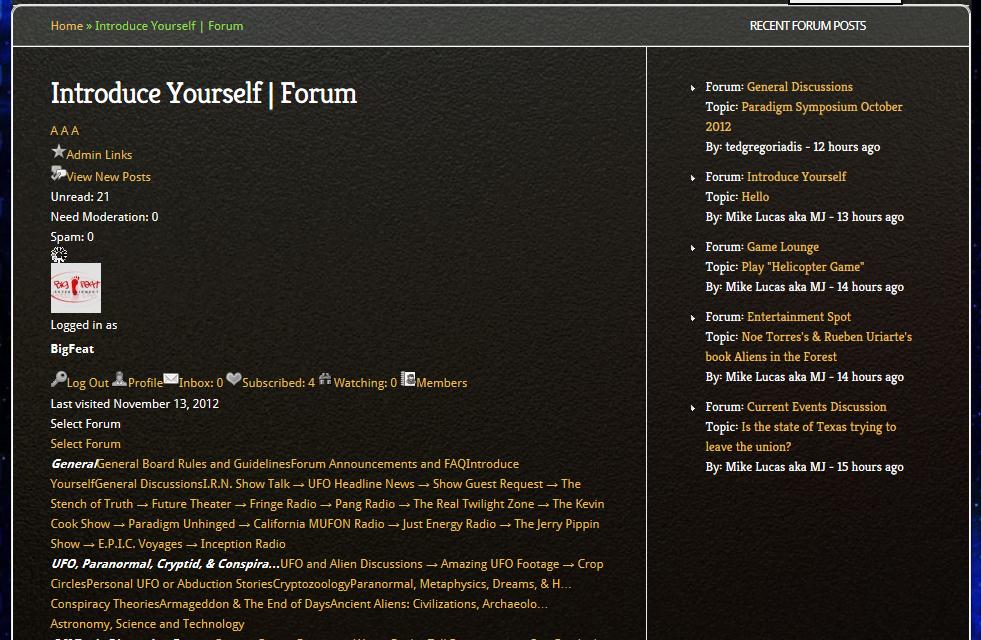
I can’t look at this is IE (OSX user) but I can see the issue in Firefox. The real problem is that your theme allows so little width to display the forum page. But – some details.
The three main templates are spGroupView.php, spFiorumView.php and spTopicView.php.
Each of those – in the sections for displaying forum lists (spGroupView), topic lists (spForumView) and post lists (spTopicView) divide the display up into columns. These can clearly be seen in the templates by the use of the sp_columnStart() function.
Each column is given a default percentage width – looks for the width= value in each column. When taken together these should never add up to more than 100% although – as Steve pointed out above – because IE is still not totally CSS standard it is better to use a total of under 99%.
If I look at your ‘front’ forum page (spGroupView) and add up the percentages – I see they currently total 106%. Hence the mess.
I can’t advise so easily on good values to use – it is a bit of a try it and see – but certainly I can see you can reduce the icon left hand column for starters. You really need to fiddle with these values until it works for you remembering to keep within the maximum value.
This sort of tinkering is rarely needed by the way but is usually needed when the space allowed for the forum is so narrow.
As always we recommend that you create your own SP theme so that any customisation is not lost during a future update. (http://codex.simple-press.com/codex/themes/theme-basics/creating-a-theme/)