Hi guys,
How can I remove the Member Stats section?
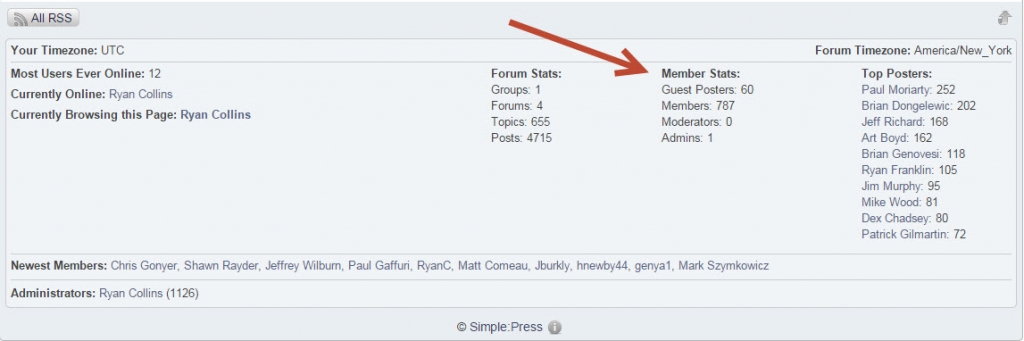
Thanks!



since simple press is theme driven, you have control over what and where items are displayed… in the sp theme you are using, you will find template functions that control the display of items… just remove the ones you dont want…
in this case, since the stats are displayed on every sp page by default (again, under your control), you would want to edit your sp theme, the spFoot.php template file and remove this code:
        sp_ColumnStart('tagClass=spColumnSection spRight spMembershipStats&width=20%&height=0');
            sp_MembershipStats('tagClass=spRight', __sp('Member Stats: '), __sp('Members: %COUNT%'), __sp('Guest Posters: %COUNT%'), __sp('Moderators: %COUNT%'), __sp('Admins: %COUNT%'));
        sp_ColumnEnd();
as always, we strongly urge you to create a child theme (https://simple-press.com/simplepress-version-5-5-child-themes/) or make your own theme (https://simple-press.com/documentation/codex/themes/theme-basics/creating-a-theme/) instead of editing one of our themes to keep from losing your changes should our themes be updated…
