Support Forum

Images with Links & pop up size

KE Kenn
Kenn
Member

Good morning,

My customer wants to put image/banners at the bottom of some of his posts. But when inserting an image and then once inserted applying a link, the link doesn’t work it just opens the pop up of the image (which we want turned on). It mentions in the help section to apply a class to the image to override the pop up feature, however where do I assign a class to it?

Thanks

8 Answers

New Answer

KE Kenn
Kenn
Member

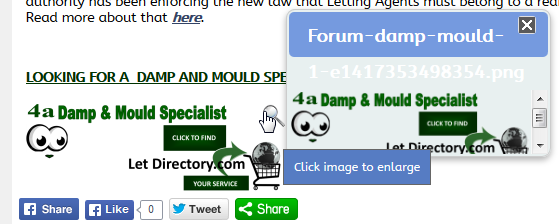
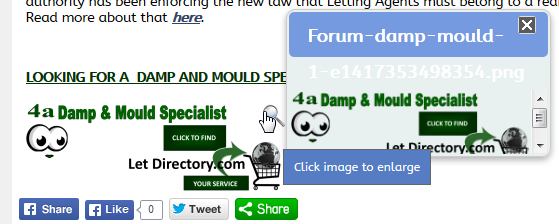
Sorry didn’t clarify, the pop up size issue was the box for some images appears quite small with a scroll bar. eg. screenshot attached.

YS Yellow Swordfish
Yellow Swordfish
Member

You simply assign a class attribute to the image tag itself. If using the TinyMCE editor then you would need to use the HTML Source Code button so that you can edit the HTML directly.

This option is really more useful for people who embed stuff into posts at display time using a WP filter. Like, perhaps, advertisments. But it can be used anywhere.

Can we assume that you prefer not to use the more usual Signature for this because it is not wanted on all posts?

And there was no attachment in your second post. And I didn’t really understand what you were getting at either I am afraid,

KE Kenn
Kenn
Member

Thanks for the reply. Image now attached of the pop up.

You are correct they want different ads in different posts so the signature isn’t suitable. Don’t know why the attachment didn’t work, tried to attach to this one.

Don’t have a source button how can I add this just for admin users?

I presume it’s under the tinyMCE options?


Thanks


pop-up.png
YS Yellow Swordfish
Yellow Swordfish
Member

You can’t add it just for admin users – we don’t have that facility I am afraid.

The Source code button is added to the toolbar by default. See the editor on this site – top row – second from the right. If you have removed it and need to add it back in then you can do do through the editor options admin panel.

The enlarged image popup looks to me like it is being affected by CSS from perhaps the WordPress theme or from another image popup type plugin. Might this be the case? Again – you can see how it should look here.

KE Kenn
Kenn
Member

Tried the class addition but it doesn’t stop the pop up.

All the customer wants is to be able to insert an image into a post with a link applied.

Issue is once inserted the magnifying glass appears on the result as in post 4 and the link just launches the pop up instead of going to the linked location.

Trying below the technique suggested to see of it works on your forum.

1. Attach image using file uploader

2. Edit source code and apply class

3. Add link to image

pop-up-1.png

YS Yellow Swordfish
Yellow Swordfish
Member

Wow that really didn’t work did it.

Odd – as that capability was put in place for a specific and one of our oldest users who still uses this method to this day…

You will note that I made an edit. An alternative method is to name the class ‘wp-image’ which is what I have done above. This DOES work as you see. And I will change the help text accordingly.

Surely another method too would be to make your image smaller than the setting you have for thumbnails. Doesn’t that also work?

KE Kenn
Kenn
Member

I haven’t tested for conflicting css on the pop up window yet I will look into that.

I will try the wp-image now, thanks.


Update: Worked, thanks