Support Forum

Issues since last sp upgrade with navigation and members list.

JH JINCUI HAO
JINCUI HAO
Member

2 issues.

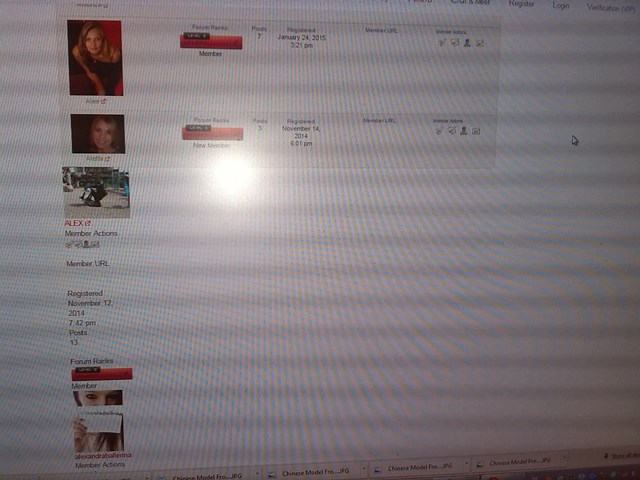
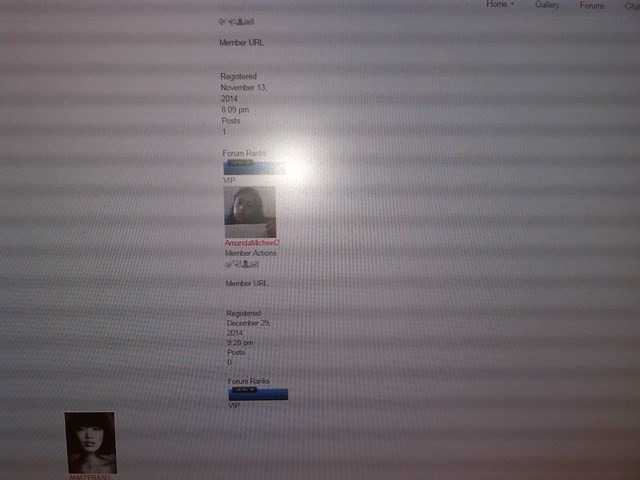
a.when you click on members this is what you see. After the first 4 members on each page the formatting changes (goes bazaar)


001-3.jpg003.jpg 


Issue 2 , navigation change, once you click on a forum, a post, a member, you  automatically open a new window, this is not wanted.

A new red arrow appeared 


004.jpg


how do we fix these issues ?

7 Answers

New Answer

YS Yellow Swordfish
Yellow Swordfish
Member

We really can not see any detail in these images. perhaps, when needed, you could just make standard screenshots although you will need to also reduce them in size for uploading.

So – on the first issue… This suggests that there is something corrupt about the database record probably in the last row to be shown properly. If you look at the exact point in the display where this happens – and I am assuming it doesn’t happen on all member pages – then do see anything odd about the data at that point?

As to the second issue then you will need to look outside of Simple:Press for this. I can guarantee that this is nothing to do with the forum. If all your users see this happen then it is something on your web site. If only you see it then it could just be a browser setting. But is is not something we do. We just send the URL request.

YS Yellow Swordfish
Yellow Swordfish
Member

Actually – on the first issue then I can see that the template for the members view has been changed and has not been changed correctly.

The column showing the users last visit date has been removed bit has not been removed properly. Whoever did this also left an empty line (white space) at the bottom of the template file which is not a good thing to do and can sometimes lead to display issues.

By tje say – I am also seeing a very long list of images files that are not being found. Seems, perhaps, that many have been removed…

JH JINCUI HAO
JINCUI HAO
Member

do you think a hacker ? 


how do i correct this ?

YS Yellow Swordfish
Yellow Swordfish
Member

That would be highly unlikely.

There is an update to this theme you are using wiating in the WP updates section. so you could just iupdate. probpem there is that you have not made a child theme (or custom theme) and are about add stuff to the profile display which will get lost on an upgrade. But as I have it open still i guess I can correct the template for you. It looks like a pretty deliberate edit by the way.

JH JINCUI HAO
JINCUI HAO
Member

thank you 

im working on a child theme, but its scary