Hi guys. Pete here – Stan’s web guy.
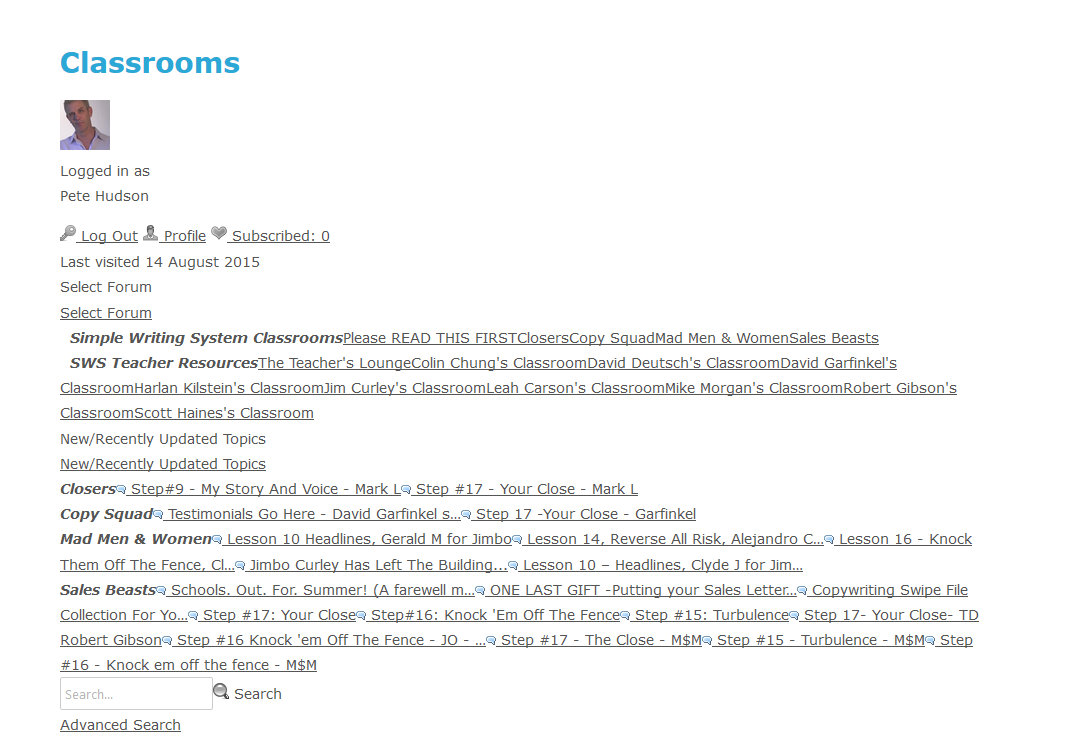
I just updated our site to WP 4.3 and the newest version of SP and the forum lost it’s design/formatting.
Any idea what’s causing this or any suggestions on how to fix it?
Thanks,
Pete


Hi guys. Pete here – Stan’s web guy.
I just updated our site to WP 4.3 and the newest version of SP and the forum lost it’s design/formatting.
Any idea what’s causing this or any suggestions on how to fix it?
Thanks,
Pete

Hey Pete,
Definitely the first thing to do is take a look at this FAQ page. Can you just check through to see if any of it helps / applies to you?
Hi Ike. Disabling the ‘Combining & Caching of Forum CSS files’ brought the design back.
Do we have to keep that function disabled? I enabled it again and the design was gone again… disabled again and it’s back again.
Thanks for the help.
Did you reset the cache before disabling it?
Also be sure to clear browser cache after every action just to make sure what you’re seeing is up to date.
Yes, I’m resetting the cache and clearing my browser cache before and after enabling combining and caching of forum CSS files… and every time I enable it, we lose the design. Disable it and we get the design back.

No caching plugins, but the site runs on Headway, which has a caching function. I disabled that, reset the SP cache, cleared my browser cache and then enabled the caching of forum CSS files again and lost the design again.
I know sometimes it’s not enough to disable cache plugins, as temporary files can still have an impact. Just having a look at Headway – Assuming it’s this one, have you cleared the Headway cache?
I have a thought as well. Might it be possible that the reset cache routines are not allowed to delete the existing cache files which means they are never getting refreshed? Worth looking for. By default they are at:
/wp-content/sp-resources/forum-cache/
After a reset of CSS and JS files that folder should be empty. If it is not I would suggest deleting the contents and then running the system again to see if the page gets rebuilt correctly.

also, was anything else updated at this time? like the wp theme? possible some of the display options on forum – integration- page and permalink need to be tweaked…
I still haven’t been able to get it to work.
I’ll try some of the different display options to see if that does anything.
Thanks.
Should have asked earlier but are all SP plugins / themes up to date?
One other user has reported something similar and resolved the issue by disabling all SP plugins, checking it worked then re-enabling. Not saying this is a fix and would still need to look in to why exactly, but it’s worth a try.