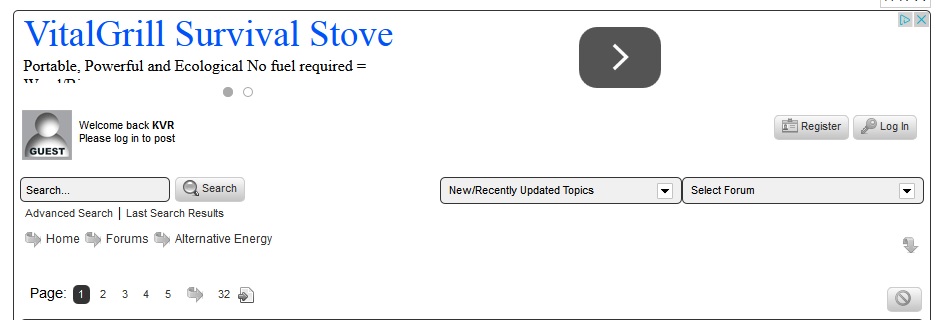
is there any way to expand the header and footer height? I use responsive adsense code and when it sens the big 970 banner, the bottom of the ad is covered a little bit
thank you


is there any way to expand the header and footer height? I use responsive adsense code and when it sens the big 970 banner, the bottom of the ad is covered a little bit
thank you


How is the ad inserted into the page? It looks like it is inside the forum template area – is that correct?

All the information in the header is contained within .spHeadContainer, but looking at the screenshot it looks to me like the advert is inside this div.
I doubt that height: will help, it has no rules as it is just a holder. Adding height or padding to the container doesn’t change the way the elements within appear. I think the only thing that would help is changing the height of the advert div itself, but that looks tricky!
Thuis was why I was asking hoe and where it is inserted.
If it is within the forum spHead template then simply adding a call to sp_InsertBreak(); after the ad code should do the trick.
I have it in the top of the header.php right after this
# Start Template
# Mandatory call to sp_HeaderBegin() – available to custom code
# ———————————————————————-
this is right after the code
sp_InsertBreak();
sp_HeaderBegin();
so should I just add a couple more insert breaks?
Well in normal circumstances one break would do it so there must be something a little odd about the way the ad code is injected.
But you can add extra spece to the call like this:
sp_InsertBreak('spacer=15px');
for example which will create a 15px high break. Change the value to suit. Give that try.
hmm, must be something with the adsense code, I increased it to 50 and the header got much bigger but the bottom of the code is still hidden

I resolved it, kind of, I switched the adsense code to display ads only, they integrate well, the text ones not so much