If so, what is the optimum size?
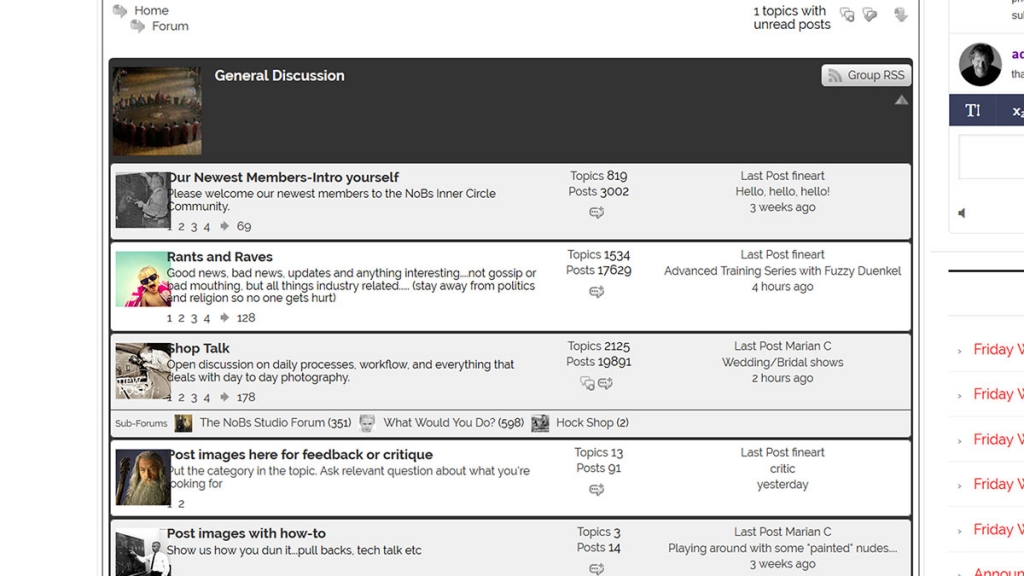
See attachment, over where the icon image are on the left……..
thanks
Rob


If so, what is the optimum size?
See attachment, over where the icon image are on the left……..
thanks
Rob


That would be because you made the icons larger than the default column width…
see this codex faq for help: https://simple-press.com/documentation/codex/faq/troubleshooting/why-do-columns-appear-underneath-each-other/
refers to a different column but concept is same… if you make wider icons, you need to widen the column for the icons…
thanks. All i wanted was the size of the icon. in the editor it said (for featured icon) 200 was ideal, but I knew that somehow wasn’t it, so I went with 100. I couldn’t see 50 listed in the editor. that fixes it and it all looks great now!
good to hear… its really up to you what size you want to display and how it fits into the whole site display/width…