Support Forum

Fatal error/plugin installer

AM Ari Matikka
Ari Matikka
Member

Installed Simple:press today and “of course” I first tried to upload a plugin through WP, which then failed. I got an advice to remove d1 at the end of the folder name, which I did. However, the second try gave the same remove recommendation. I emptied the whole folder – did not help. I renamed the folder and set up a new one with the original name. No joy.

Now I cannot access any part of the forum.

Warning: include_once(/problem-with-post-edit-buttonome/XXX/public_html/wp-content/sp-resources/forum-plugins/plupload/library/sp-plupload-components.php) [function.include-once]: failed to open stream: No such file or directory in /problem-with-post-edit-buttonome/suomenor/public_html/wp-content/sp-resources/forum-plugins/pluploa/sp-plupload-plugin.php on line 356

Warning: include_once() [function.include]: Failed opening ‘/problem-with-post-edit-buttonome/XXX/public_html/wp-content/sp-resources/forum-plugins/plupload/library/sp-plupload-components.php’ for inclusion (include_path=’.:/usr/local/php53/pear’) in /problem-with-post-edit-buttonome/XXX/public_html/wp-content/sp-resources/forum-plugins/pluploa/sp-plupload-plugin.php on line 356

Fatal error: Call to undefined function sp_plupload_do_gd_check() in /problem-with-post-edit-buttonome/XXX/public_html/wp-content/sp-resources/forum-plugins/pluploa/sp-plupload-plugin.php on line 357

14 Answers

New Answer

YS Yellow Swordfish
Yellow Swordfish
Member

If you look at that path you will now see that the folder name is given as ‘pluploa’ instead of ‘plupload’. It is missing the final ‘d’. Just edit the folder name and all should be well.

The problem with the number on the end is actually more of a WP issue. When it downloads something like a plugin to install – it downloads it initially to the ‘uploads’ folder and then copies it to the right location and then deletes the original.

Sometimes it fails to delete the original in ‘uploads’. Then, if it is downloaded again it finds there is already a copy of that name in the folder so it creates a new one with the -1 on the end. Until it is removed this will continue to happen. We are unsure why WP sometimes fails to remove the uploaded item. So – wp-content/uploads – remove from there if you can to avoid the issue again.

AM Ari Matikka
Ari Matikka
Member

Thank you for your prompt answer. The site is running again and even the plugin seems to be active. For some reason the repair advice is to remove “d1”, not “1”.

MP Mr Papa
Mr Papa
Member

sorry, where did you see it documented to remove the ‘d’?  If we have that somewhere, it should be corrected…

AM Ari Matikka
Ari Matikka
Member

The advice to remove d1 from the end of the plugins folder “plupload1” appeared after I first used WP’s native plugin installation and thus created an error situation.

IK Ike
Ike
Member

Glad you got it sorted, and thanks for the ‘d1’ info. Has been noted..

MP Mr Papa
Mr Papa
Member

you mean after you installed, sp came back with a message about could not activate the plugin?  and suggest taking off d1?

odd, no other reports…  will have to check and see if the special error condition code was expecting -x where x was a number…  that is expecting a dash before the number…  only thing that comes to mind right now…

but thanks, will check into…

MP Mr Papa
Mr Papa
Member

interesting… well as I said, investigation continues… ticket is open… thanks…

WT Wendy Twine
Wendy Twine
Member

Hi Mr. Papa,

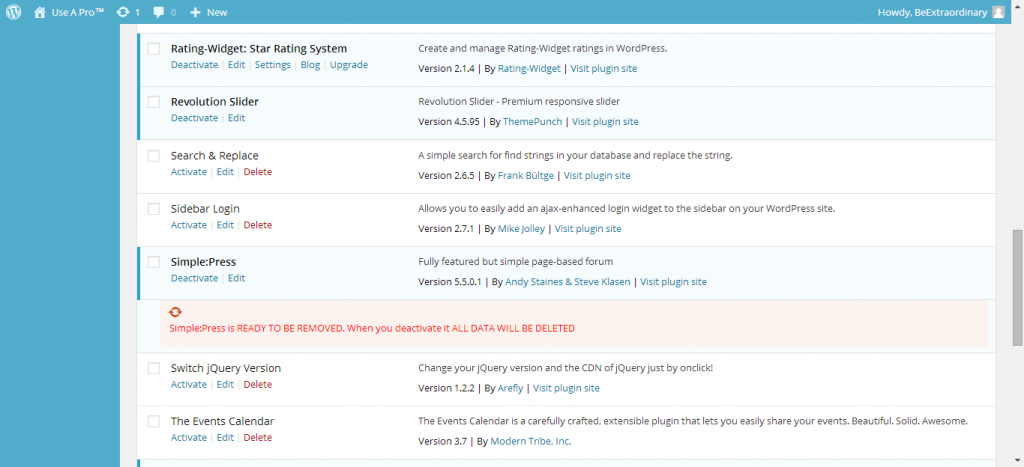
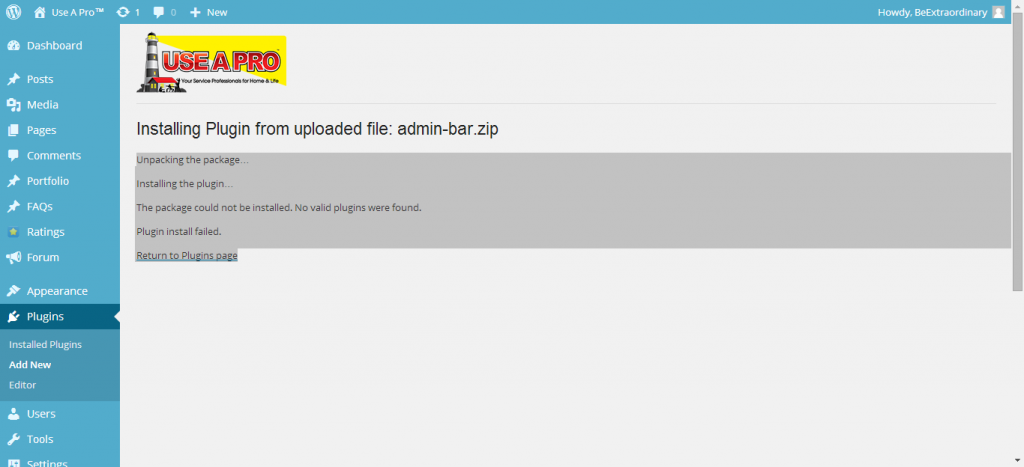
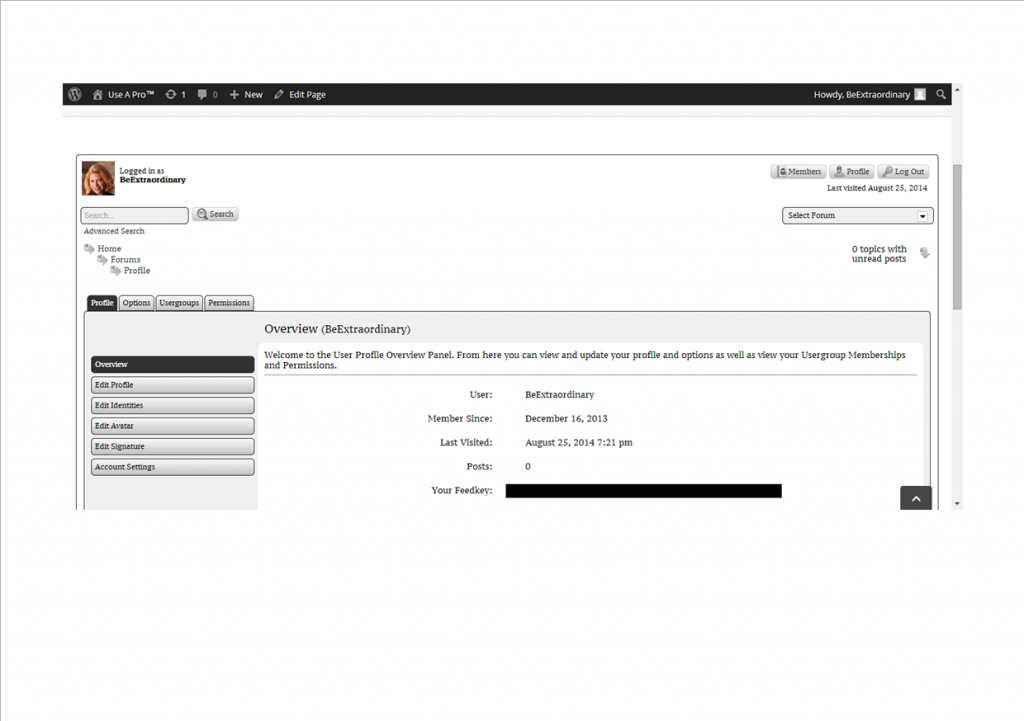
I am having fatal errors too. Can you please see my 3 images and advise on what steps I should take.Simple-Press_is_installed.png


 Error_on_uploading_Sp_Zip_plugins.png

 UAP-Installed-Simple-Press-Forum.png

WT Wendy Twine
Wendy Twine
Member

Mr.Papa,

I deleted some original images to the post above and it looks like they were deleted. I only want the image blocking my feed key to show in the screen shots.

YS Yellow Swordfish
Yellow Swordfish
Member

Not really following this. I understand the middle image where it looks like yor are trying to install a Simple-Press plugin into the WordPress plugins location where it does not belong. See https://simple-press.com/documentation/codex/plugins/plugin-basics/using-plugins/ for more information.

Not sure what you are asking about the other two images and not sure where the ‘fatal error’ you mention is either. Can you expand on these please

MP Mr Papa
Mr Papa
Member

@yellow-swordfish she uploaded five images and deleted two… was just asking for verification that they were indeed deleted… no they were not deleted, you only removed the picture in the post… I have removed the two you didnt want because of personal info (btw, you do it with remove attachments)…

As Andy says, you need to install it as sp plugin, not wp plugins… see:  https://simple-press.com/documentation/codex/plugins/plugin-basics/using-plugins

WT Wendy Twine
Wendy Twine
Member

Thanks for the info Mr. Papa and Yellow Swordfish:)