

Not sure if this was possible to do any other way but I added the breadcrumbs at the bottom of our forum listing and topic listing by copying and modifying a couple of files.
first the template spHead.php modified to the attached spLowerBreadcrumbs
then the /templates/desktop/spHeadDesktop.php to the attached /templates/desktop/spLowerBreadcrumbsDesktop.php
I then inserted the following bit of code into the spForumViewDesktop.php and spTopicViewDesktop.php where it was suitable.
# ><><><><><><><><><><><><><><><><><><><><><><><><><><>
# Load the lower breadcrumbs
# ———————————————————————-
sp_SectionStart(‘tagClass=spHeadContainer’, ‘head’);
/* sp_load_template(‘spHeadLower.php’);*/
sp_load_template(‘spLowerBreadcrumbs.php’);
sp_SectionEnd(”, ‘head’);
# ><><><><><><><><><><><><><><><><><><><><><><><><><><>
A little css after that and it came out looking fairly nice:
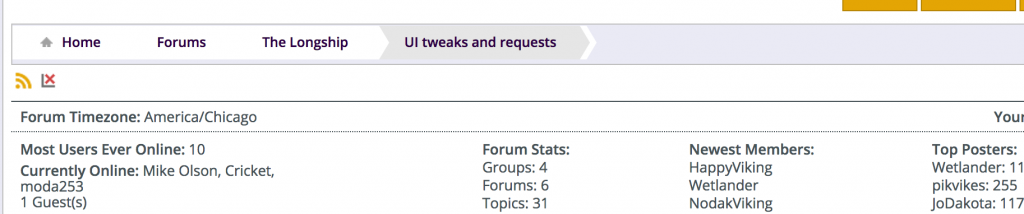
The attached php files are uploaded as .txt files and they are hacks as I didn’t even change the headings on them.
If there is any suggestions for improving or if there is already an easier method I’d love to hear it.

