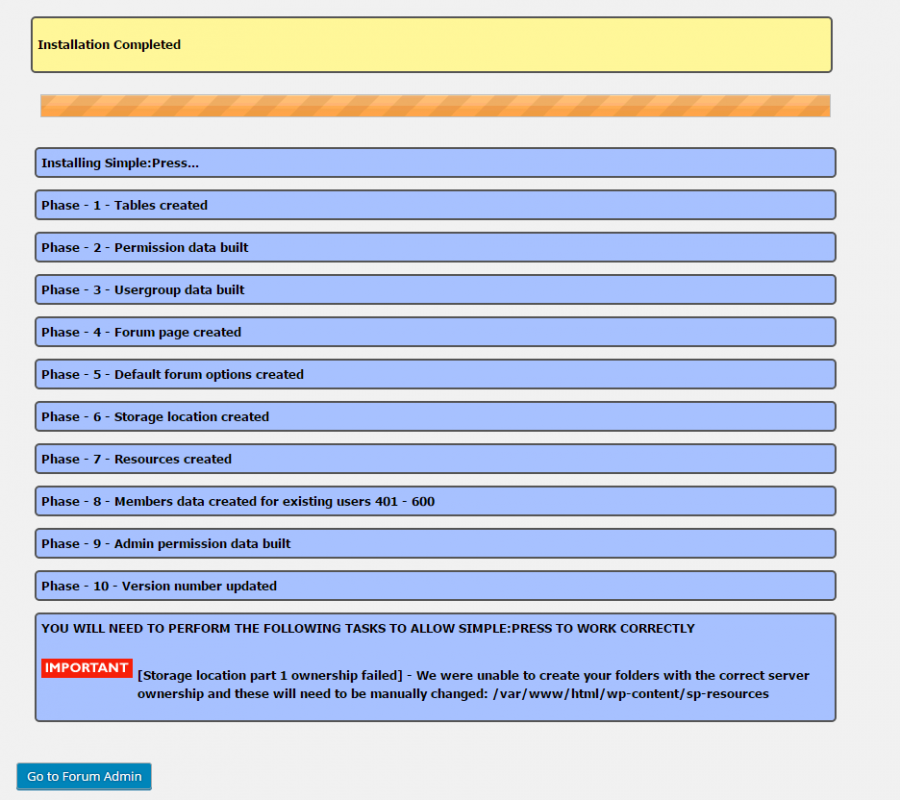
I followed the Installation guidance, clicked the “Install” button in the plugins page then I met the error message “
YOU WILL NEED TO PERFORM THE FOLLOWING TASKS TO ALLOW SIMPLE:PRESS TO WORK CORRECTLY
[Storage location part 1 ownership failed] – We were unable to create your folders with the correct server ownership and these will need to be manually changed: /var/www/html/wp-content/sp-resources
“
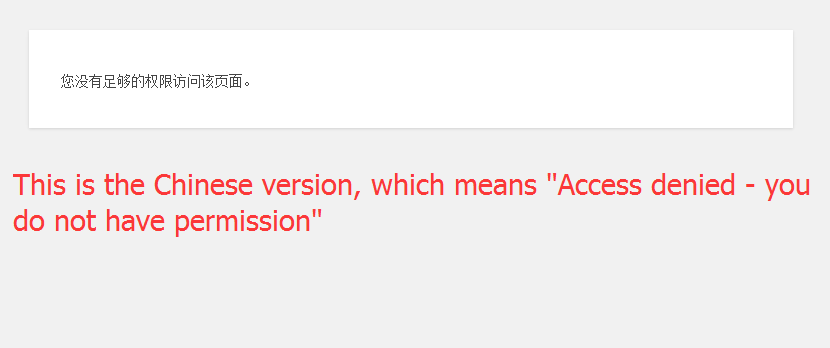
I clicked the button to the admin page, but it says “Access denied – you do not have permission”.
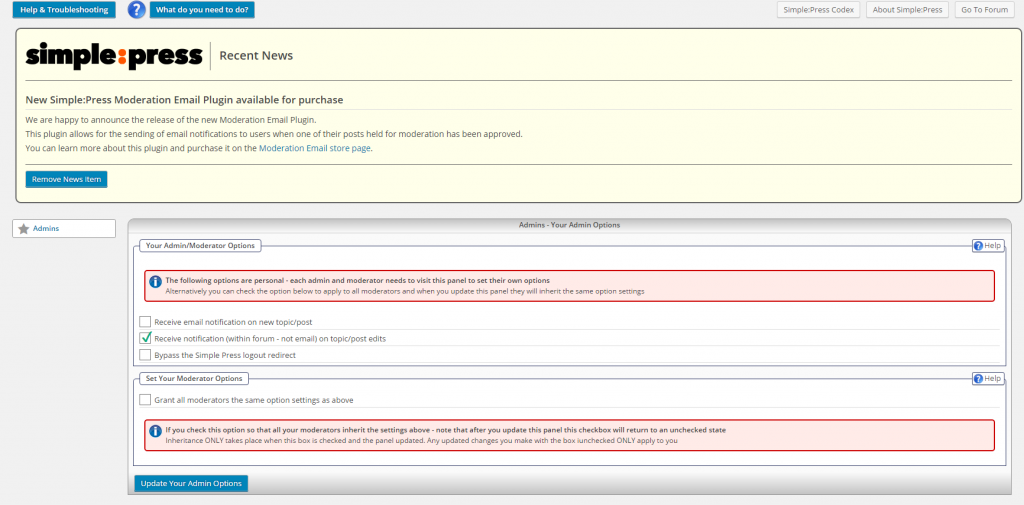
I can’t see the admin menu as shown in the codex page.
Here are the settings I’ve tried/checked:
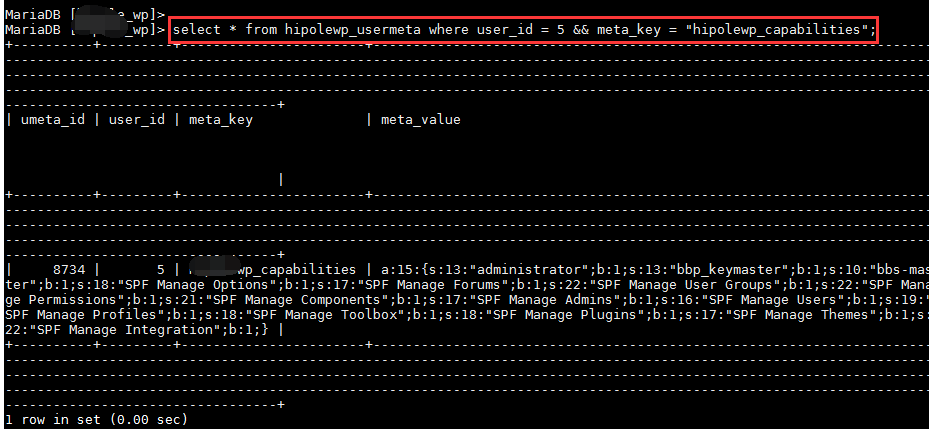
- The current user has the capabilities:
SPF Manage Admins
SPF Manage Components
SPF Manage Forums
SPF Manage Integration
SPF Manage Options
SPF Manage Permissions
SPF Manage Plugins
SPF Manage Profiles
SPF Manage Themes
SPF Manage Toolbox
SPF Manage User Groups
SPF Manage Users - The usermeta table in the database is assigned the same capabilities as well
- Only one page can be opened: wp-admin/admin.php?page=simple-press%2Fadmin%2Fpanel-admins%2Fspa-admins.php, which contains the Admin/Moderator Options
- I create a new role with all SPF items checked, and assign the role to my user
- I granted 777 to sp-resources directory
I’m using centos7, apache 2.4.6, php 5.4.16, mariadb 5.5.47.
Can anyone help me on the access issue? Thank you in advance.
Yao