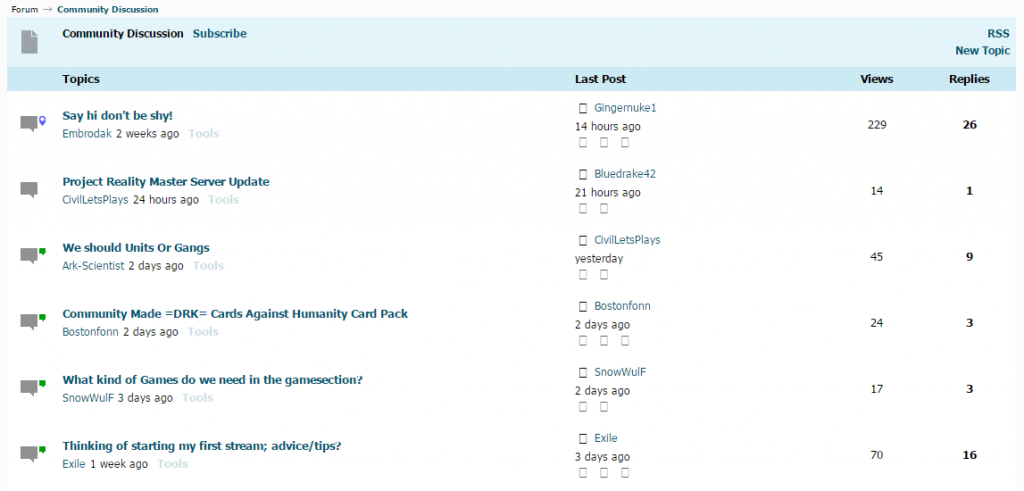
We have found the issue, just a simple CSS fix that shouldn’t take 5 minutes to correct – Is that something you would be happy to implement yourself? You can make the change direct to the barebones theme itself as the next update will include the change. I’ll post a step by step below you can use if you’re happy to give it a go..
First step, make sure you have Barebones theme active.
From the WP dashboard go to Forum > Themes > Theme Editor.
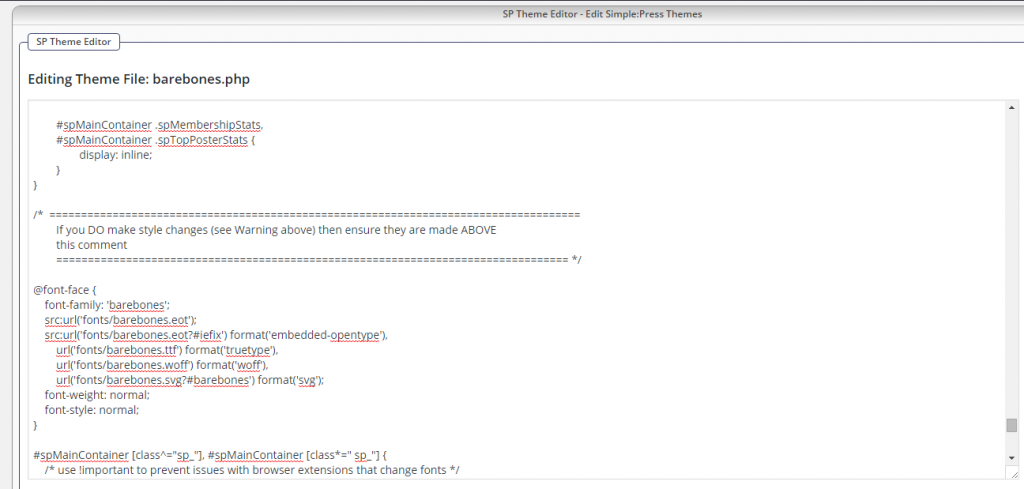
You should see a list of files on the right hand side, scroll down to the ‘Stylesheet’ section and select ‘Barebones.php’.
Unfortunately the WP CSS editor doesn’t provide line numbers, so the quickest way to get to what we want to change is to click inside the newly opened stylesheet box and use your browser search (firefox CTRL+F) to find the phrase @font-face {
Once found, you will see that @font-face has lots of rules and will look like:
@font-face {
    font-family: 'barebones';
    src:url('fonts/barebones.eot?neh1es');
    src:url('fonts/barebones.eot?neh1es'#iefix') format('embedded-opentype'),
        url('fonts/barebones.ttf?neh1es'') format('truetype'),
        url('fonts/barebones.woff?neh1es'') format('woff'),
        url('fonts/barebones.svg?neh1es'#barebones') format('svg');
    font-weight: normal;
    font-style: normal;
}
Please delete it from the @ at the start to the closing bracket } at the end, and in the empty space copy and paste in:
@font-face {
    font-family: 'barebones';
    src:url('fonts/barebones.eot');
    src:url('fonts/barebones.eot?#iefix') format('embedded-opentype'),
        url('fonts/barebones.ttf') format('truetype'),
        url('fonts/barebones.woff') format('woff'),
        url('fonts/barebones.svg?#barebones') format('svg');
    font-weight: normal;
    font-style: normal;
}
You may have to clear your browser cache for the glyphs to then show, or perform a force refresh (firefox CTRL + F5) as for some reason browsers really really like to hang on to cached glyphs.
Apologies, as it’s actually a randomly generated code applied when the font was created. Not something easy to spot and the way it was displaying made it even more confusing!
And of course if you do have a go, please let us know how you get on!