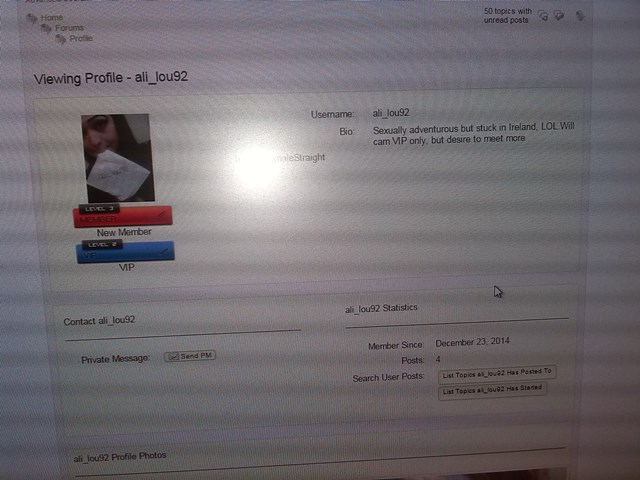
As you can see from the image, country ,gender are being displayed as a single row and not as separate rows lined up underneath bio, how can I fix that ?


As you can see from the image, country ,gender are being displayed as a single row and not as separate rows lined up underneath bio, how can I fix that ?


Actually I can’t see anything useful from that image.
They should be below each other as they are block elements. try putting a br tag in between them but if that doesn’t work you better paste here the code you used. Use the syntax highlghter button in the toolbar for that.
# show profile info
sp_ColumnStart(‘tagClass=spProfileShowInfoSection spRight&width=65%’, ‘profileInfo’);
sp_ProfileShowDisplayName(”, __sp(‘Username’));
sp_ProfileShowFirstName(”, __sp(‘First Name’));
sp_ProfileShowLastName(”, __sp(‘Last Name’));
sp_ProfileShowLocation(”, __sp(‘Location’));
sp_ProfileShowWebsite(”, __sp(‘Website’));
sp_ProfileShowBio(”, __sp(‘Bio’));
sp_CustomProfileFieldsDisplay(‘Country’, $spProfileUser->ID);
sp_CustomProfileFieldsDisplay(‘Gender’, $spProfileUser->ID);
sp_CustomProfileFieldsDisplay(‘Orientation’, $spProfileUser->ID);
sp_CustomProfileFieldsDisplay(‘Lookingfor’, $spProfileUser->ID);
sp_CustomProfileFieldsDisplay(‘Preference’, $spProfileUser->ID);
sp_ColumnEnd(”, ‘profileInfo’);
I don’t see any of the code I gave you in there. This is either because you missed it out or because it has been stripped for the post. You do need to use the Syntax Highlighter button as suggested.
Paste in the code. Select VERY carefully JUST the code. Click the syntax button on the toolbar above (far right) and select php.
I know this is going to sound stupid, but although i have Tincy mce enabled it does not appear on the theme editor.

theme editor? you mean in the admin panel? No, tinymce is not used there.. Nor is it used in the wp theme editor either… they are just simple text editors since you are editing plain text… having a wysiwg editor for editing text/code files really doesnt make sense…
JINCUI HAO said
I know this is going to sound stupid, but although i have Tincy mce enabled it does not appear on the theme editor.
Are you referring to using the syntax button> If so I am talking about here, on ths site, when you paste that code into your post for me to look at…

you’ve lost me, i don’t know what you mean
Syntex highlighter only works in posts, what use is that in editing code in sp theme templates ???


Andy is saying that when you paste your code into this thread for us to look at, you need to use the syntax highlighter so none of the code gets stripped out – as we can’t see any of the code supplied to you in what you pasted on the last page..
I just copy and pasted directly from the existing theme template , you all have temp admin access to my site, so can go directly to the source.
I’m not a IT girl or coder, this stuff is beyond me, it really is, I try, but its like learning a third language. LOL.
Please see post #45 of this thread. You did NOT copy and paste ALL of the code for each custom field as I said you needed to. You have just copied one line of the code. Please read that post again…
im so stupid, so i have to copy all 8 lines for each custom field, just change country, gender etc ?
Exactly, and remember you need to change the label (line 2) and the custom field name (line 7) for each one.