
Support Forum

Image Uploads not working in Mac / Safari

LI lisalew
lisalew
Member

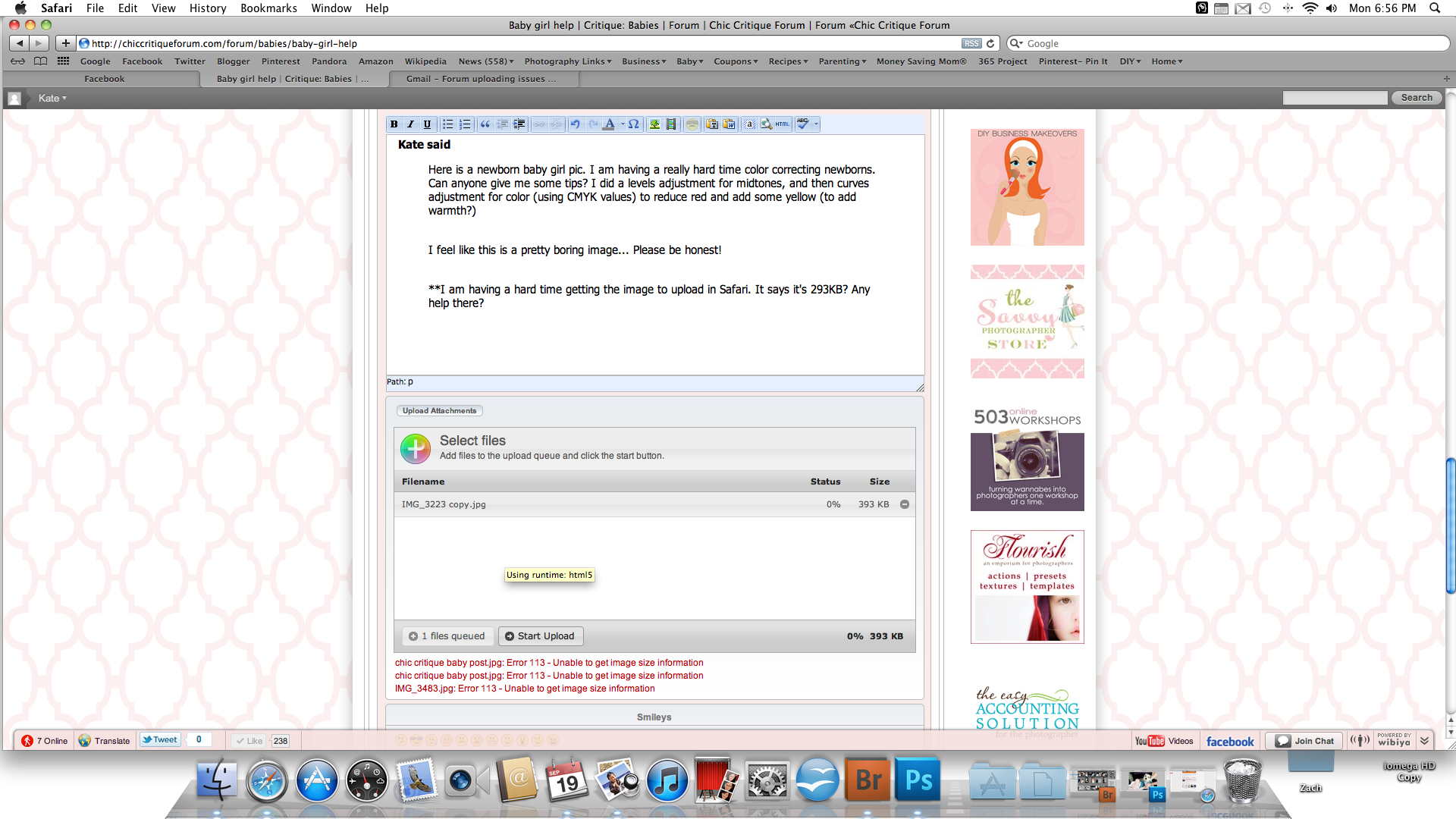
Screen-shot-2011-09-19-at-6.56.48-PM.pngI have testers on my photography critique forum.  At least two are having problems on their Macs (one is running Safari, another is using a different browser I believe).  Here is a screenshot of the errors the Safari user is getting (she tried several different images).

4 Answers

New Answer

LH Lee H
Lee H
Member

Unless Steve has any ideas… you may have to wait three weeks as Andy (Yellow Swordfish), has just left for vacation. Pretty sure he’s the Mac authority around here embarassed

LI lisalew
lisalew
Member

If anyone else has any ideas, please share!  3 weeks is a long time…although he certainly deserves a vacation!

MP Mr Papa
Mr Papa
Member

you are in luck because I actually wrote the uploader (or integrated it)…  but yes, only Andy has a mac… but he is not having any issue with Mac and Safari…  Its been tested on mac and pc with FF, IE, chrome, safari and opera… of course, limited to andy and myself plus the other alpha testers…

gonna need some more info…

cant tell from that image, how many files are you uploading?  3?  I have heard of plupload (the js library we use) having issues on safari with multi file uploads using html 5 runtime… can you have your user try just one file at a time with Safari?

what are the filenames of the images you are trying to upload?  looking for non standard chars here…

and have you checked on forum – integration – storage locations and verified valid storage?

also plupload just released a beta for new version with lots of html 5 runtime updates so will be watching that and grabbing an updated version soon…

YS Yellow Swordfish
Yellow Swordfish
Member

I would also suggest checking if the user’s Safari is up to date – just to make sure that is not the culprit. We know it still has some odd javascript problems although it is getting much better.