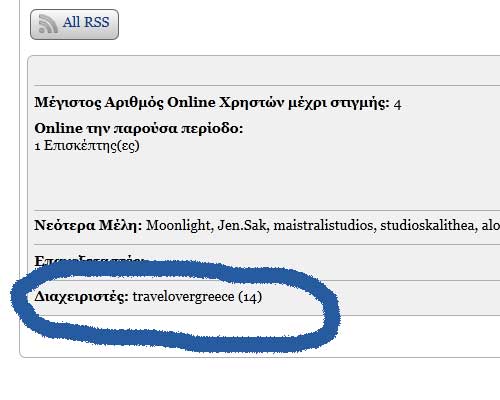
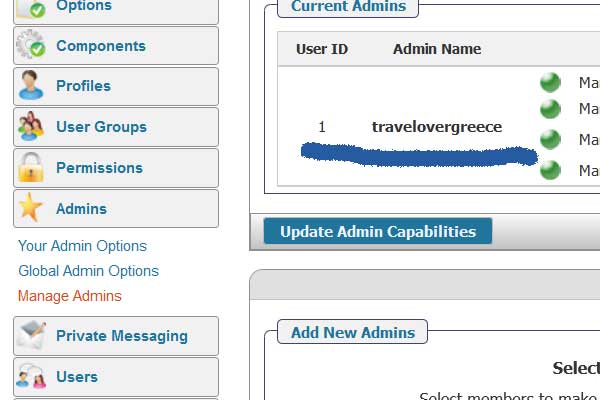
i am the only admin and i as you can see from the pics i am also sp admin (i think)
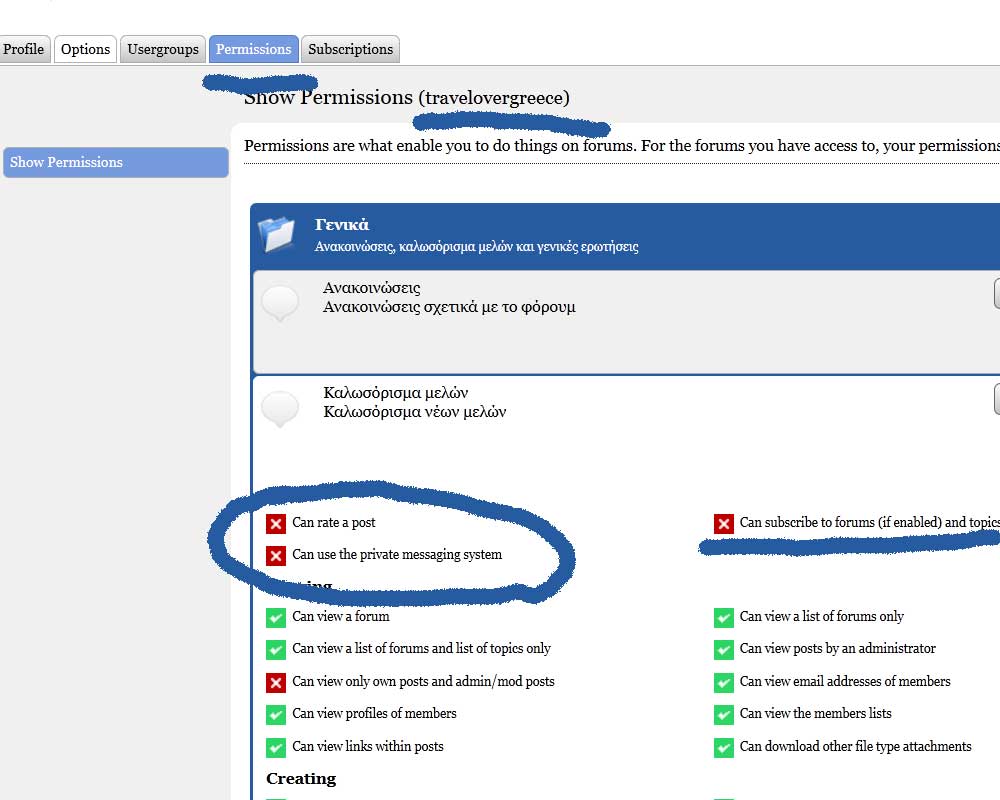
but when i go to permission the can rate a post and use the pm for me (admin) is disabled
as sp admin shouldn’t this se to yes by default?


i am the only admin and i as you can see from the pics i am also sp admin (i think)
but when i go to permission the can rate a post and use the pm for me (admin) is disabled
as sp admin shouldn’t this se to yes by default?


Can you take a look in your User Groups. Are you by any chance also a member in one of those – and if so – can you remove the entry…
no i am not a member anywhere… thats strange
any setting that could affect this problem?

No setting… admins just get permission to all…
long thread… did we ask you to go to forum – toolbox – housekeeping and reset the auths cache? and then take a look at that permissions page again…
if still bad, we will need you to go db diving…
in wp sf auths rating and pm and subscrinimg was set to 1 in admin_negate
i changed it to 0 like all the others but same problem
if we asked you to provide some data from your db would you be able and willing to do so?
Thanks – it will hopefully help us track down the issue… Here are the steps – they are actually very simple:
That will give is what we need – well at least that is the hope!
also i cannot translate some plugins
for example ratings
i changed to sp-rating-gr_Gr and pasted it inside sp-plugins without subfolder
i use gr_Gr
the theme translation works great but for plugins nothing
do i need to set the language anywhere in the plugin?
also the profil options are all in english
sorry for many questions you can ask them later!!
are you sure the string you want translated is in the plugin? if its a button or other, it might be in the theme… most display elements are in the theme translation… ie, if the display is via a template function in your sp theme, tht’s where the translation will be since the string is in the theme not the plugin… most plugin translations will be in the admin with a few on front end…
giorgiokatr said
in wp sf auths rating and pm and subscrinimg was set to 1 in admin_negatei changed it to 0 like all the others but same problem
After you changed these ‘admin_negate’ to zero (which they should be) did you then immediately perform a reset auth cache in the toolbox as this would be necessary following the change? And if you did not can you please try that?
thanks i should clear the auth cache
i thought it yesterday but forgot to ask!!
now works great!!
thanks!!