Support Forum

Options & Other Functions Not Working

DP Dennis Pitocco
Dennis Pitocco
Member

Great Forum capabilities here compared to anything else we’ve tried (BBPress, Buddpress, etc.) and much more intuitive & user friendly.

Certain Functions don’t work, and we’re wondering if they will AFTER we install certain of your Available plug-ins or whether they should be working right out of the box:

  1. OPTIONS: Can’t Reorder Smileys (Drag & Drop doesn’t work)
  2. OPTIONS: Can’t Reorder Profile Menu
  3. BROWSE TO UPLOAD: Wherever the BROWSE button appears within the settings (allowing for upload of a badge or special image), nothing happens when we click on any of the BROWSE badges.
  4. AVATAR POOL: Browse to upload doesn’t work (nothing happens when clicking browse)

All capabilities turned on and all other functions seem to work fine. We’re working with the version of WordPress (4.5) and the very latest Version of your SimplePress (just downloaded it two days ago).

82 Answers

New Answer

IK Ike
Ike
Member

Hey Dennis,

Without looking I would say it’s some kind of jquery conflict. Are you running anything that adds to the WP admin panel?

Are you able to use the browser console while looking at one of the panels in question? If so, can you check to see if there are any errors reported? If so please paste them here.

As much as it’s a pain, the best thing you can do right now is deactivate every WP plugin you have running except for Simple:Press and try again. If it works, you know something is interfering with the standard WP jquery UI that Simple:Press uses. You can then enable things one by one until you find the problem.

DP Dennis Pitocco
Dennis Pitocco
Member

Our Site crashed after uploading a number of the Simple Press Plugins – we’ll come back to this discussion once everything has been restored.

YS Yellow Swordfish
Yellow Swordfish
Member

But why did it crash? Did you run out of php memory? A crash will usually show some kind of fatal error message in the php error log….

DP Dennis Pitocco
Dennis Pitocco
Member

Our server admin in Canada is in the midst of restoring, as it was a major meltdown. No details on cause yet – may have been coincidental to plug-in upload, but can’t confirm just yet…

DP Dennis Pitocco
Dennis Pitocco
Member

Still attempting to resolve on our end after Site Backup restored. Will update this thread when our efforts are completed.

DP Dennis Pitocco
Dennis Pitocco
Member

Finally ready to move forward to resolve this issue. Your initial response:

” Are you able to use the browser console while looking at one of the panels in question? If so, can you check to see if there are any errors reported? If so please paste them here.”

Using Firefox Browser. Please confirm which Console Screen I should be looking at?

Thank you!

IK Ike
Ike
Member

Certainly, right click on the page and click ‘Inspect Element’, once the panel opens at the bottom click the ‘Console’ tab and see if anything shows up.

DP Dennis Pitocco
Dennis Pitocco
Member

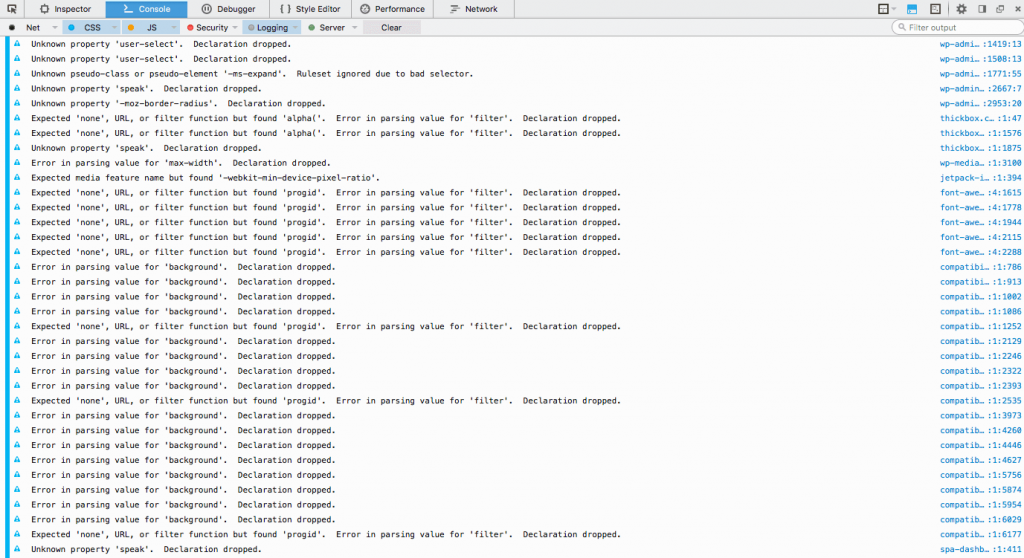
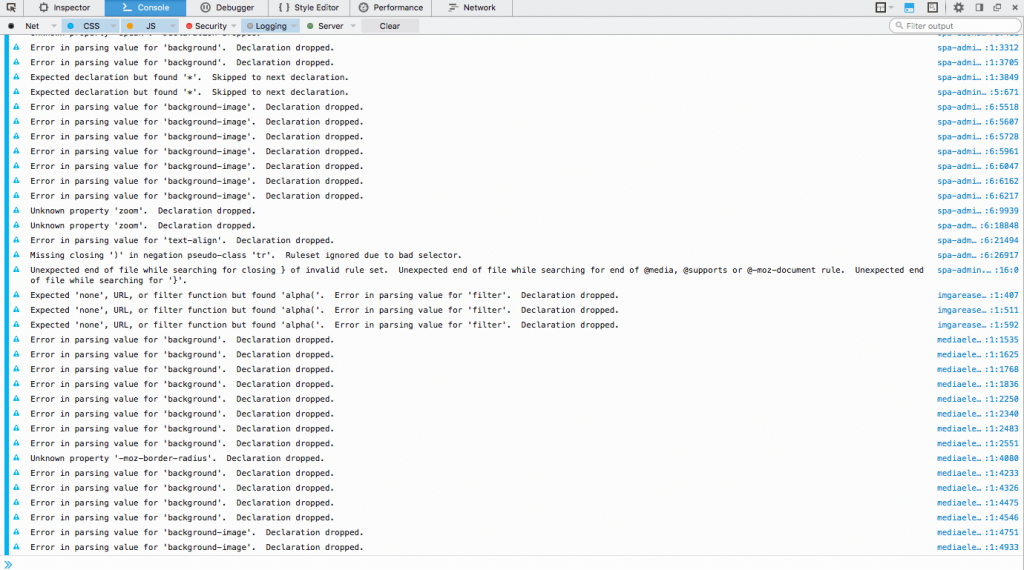
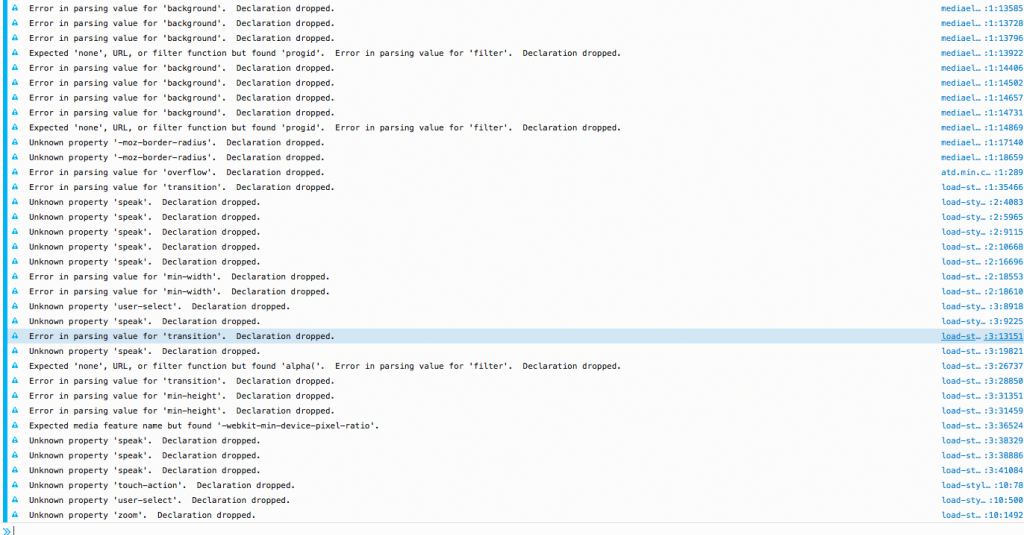
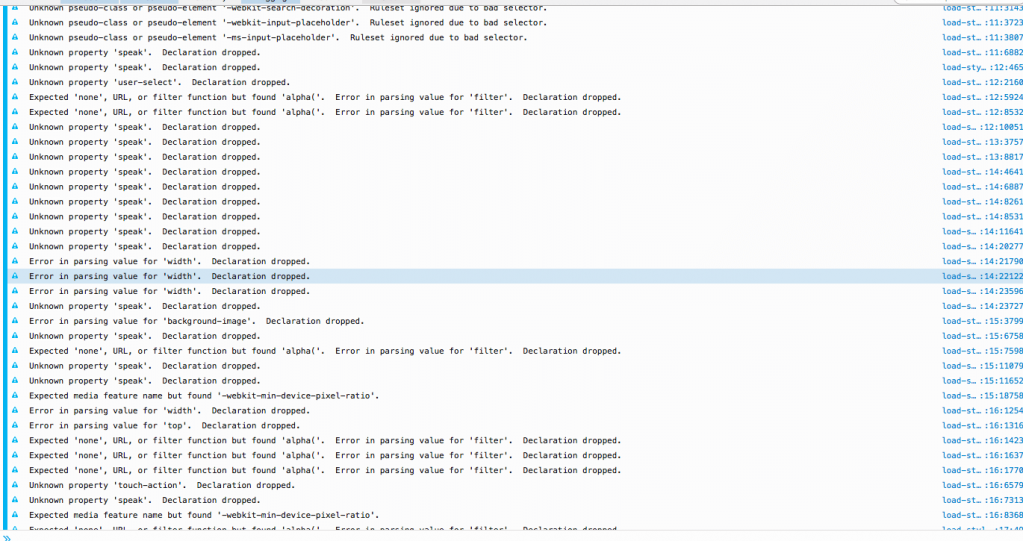
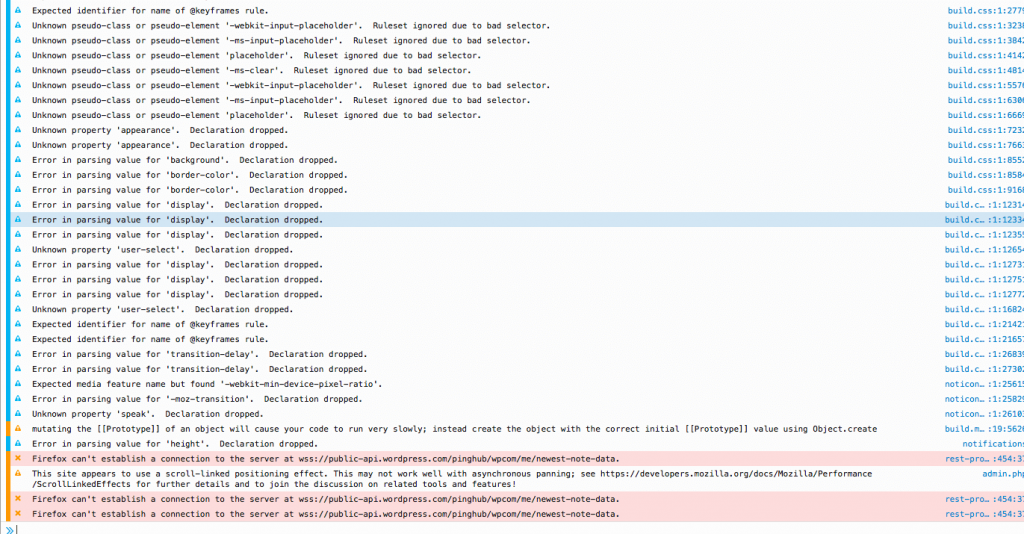
Screenshots of what I see at the bottom of the Console Page are attached 🙂

DP Dennis Pitocco
Dennis Pitocco
Member

Meant to confirm that the Page being analyzed is the Profile Menu Order. Can’t drag & drop to change order.

YS Yellow Swordfish
Yellow Swordfish
Member

I am probably going to clash with Ike answering this but I see nothing script related.

If your Firefox is anything like mine can you turn off ALL of the options with the exception of ‘JS’. They are toggles and can be turned on/off to save displaying all of these CSS items.

Screen-Shot-2016-05-10-at-14.59.20.png

Then when you have the page open you need to actually try and perform one of the functions that does not work which is when we would hope a message will pop up in the console.